
Wildlife Capture Guide: Matrice 4 in Dusty Fields
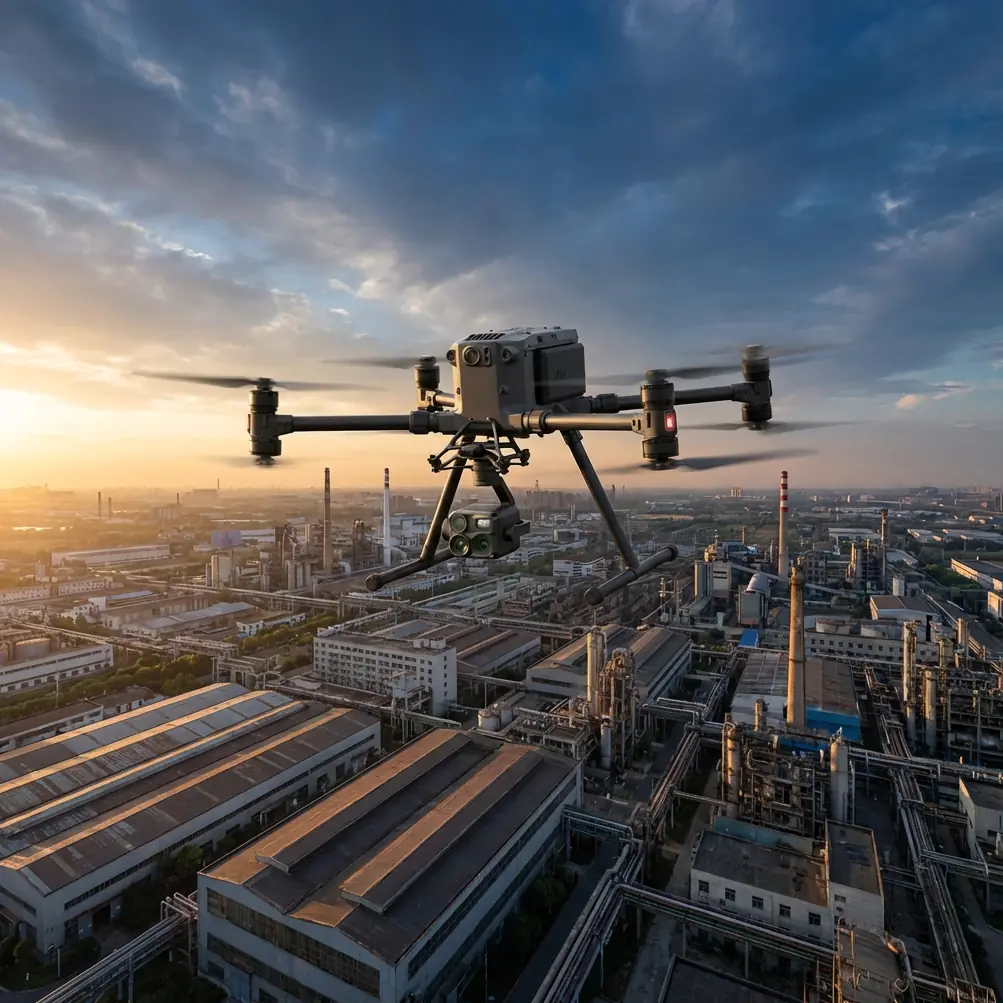
Wildlife Capture Guide: Matrice 4 in Dusty Fields
META: Learn how to capture stunning wildlife footage with the DJI Matrice 4 in dusty environments. Expert how-to guide covers pre-flight prep, thermal tracking, and best practices.
By Dr. Lisa Wang, Wildlife Aerial Survey Specialist
Dust destroys drones and ruins wildlife footage—period. If you're planning aerial wildlife surveys in arid grasslands, desert margins, or drought-season savannas, your biggest enemy isn't the animals; it's the fine particulate matter grinding into every mechanical component of your platform. This guide walks you through the exact pre-flight cleaning protocols, camera configurations, and flight strategies that make the DJI Matrice 4 a reliable workhorse for capturing wildlife data in the harshest dusty conditions on Earth.
TL;DR
- Pre-flight cleaning and dust mitigation are non-negotiable safety steps before every Matrice 4 launch in arid environments.
- The Matrice 4's thermal signature detection and O3 transmission system enable real-time wildlife tracking even through haze and dust clouds.
- Proper use of GCP markers and photogrammetry workflows ensures your wildlife data holds up to scientific scrutiny.
- Avoiding common mistakes—like skipping sensor calibration or ignoring wind-lofted dust patterns—can save thousands in repair costs and weeks of lost field time.
Why Dusty Environments Demand a Different Approach
Wildlife fieldwork in arid regions isn't simply "regular drone work but dirtier." Dust particles as small as 2–10 microns can infiltrate gimbal bearings, coat optical sensors, block cooling vents, and degrade radio frequency performance. The Matrice 4's sealed airframe design offers significantly better ingress protection than consumer-grade platforms, but no drone is immune to sustained particulate exposure.
The consequences of neglecting dust management include:
- Gimbal motor failure from particulate buildup in bearing assemblies
- Thermal sensor drift caused by dust films on infrared windows
- Degraded O3 transmission range when fine particles coat antenna elements
- Shortened battery lifespan due to blocked cooling channels
- Corrupted photogrammetry datasets from haze-affected image sharpness
Understanding these risks is the first step. Mitigating them through a disciplined pre-flight protocol is the second.
Step 1: The Pre-Flight Cleaning Protocol (Your Most Critical Safety Step)
Before you even power on the Matrice 4, you need a structured cleaning and inspection routine. This is not optional—it's a safety procedure that directly protects both your hardware investment and your AES-256 encrypted flight data integrity.
Cleaning Kit Essentials
- Compressed air canister (filtered, moisture-free) for sensor cavities and gimbal housing
- Microfiber lens cloths (optical-grade, individually wrapped)
- Soft-bristle anti-static brush for propeller roots and motor bells
- Isopropyl alcohol wipes (99%) for antenna contacts and battery terminals
- Portable dust cover or launch pad (minimum 1.2 m diameter)
The 7-Point Pre-Flight Dust Check
- Inspect all propeller roots for accumulated grit—even minor buildup causes vibration artifacts in photogrammetry outputs.
- Blow compressed air across the gimbal housing, paying close attention to the thermal sensor window used for thermal signature detection.
- Wipe all camera lenses and IR windows with optical-grade microfiber. One fingerprint smudge with dust overlay can ruin an entire transect of data.
- Clean battery terminals and hot-swap battery contacts with isopropyl wipes. Dust on power contacts creates resistance, which generates heat and triggers voltage warnings mid-flight.
- Check cooling vents on the main body. Use the anti-static brush to clear any blockage.
- Inspect antenna elements for dust coating. Dirty antennas reduce your O3 transmission effective range by as much as 15–20%.
- Deploy your launch pad on the flattest available ground, upwind from the survey area, to minimize rotor wash stirring dust back onto the aircraft during takeoff.
Expert Insight: I perform this full 7-point check before every single flight—not just the first flight of the day. In Namibian fieldwork, I've measured visible dust accumulation on gimbal sensors after just 12 minutes of ground idle time between flights. The cleaning protocol adds roughly 4 minutes per cycle. That's a worthwhile trade against a catastrophic gimbal failure at 120 m AGL.
Step 2: Configuring the Matrice 4 for Wildlife Thermal Tracking
Dusty air scatters visible light and reduces contrast, making optical-only wildlife detection unreliable. This is where the Matrice 4's thermal imaging capability becomes essential. Animals produce distinct thermal signatures that cut through suspended particulate far more effectively than visible wavelengths.
Optimal Thermal Settings for Wildlife in Dust
- Palette: Use "White Hot" for daytime surveys (animals appear as bright spots against cooler ground) and "Ironbow" for dusk/dawn sessions where temperature differentials narrow.
- Gain mode: Set to High Gain for detecting smaller species (under 15 kg body mass). Low gain is better for large megafauna where you need wider temperature range without saturation.
- Isotherm: Enable isothermal banding around 35–42°C to instantly highlight mammalian body temperatures and filter out sun-heated rocks that create false positives.
- Frame rate: Lock to 30 fps for smooth tracking of moving animals—critical when you're identifying herd movement patterns.
Dual-Sensor Workflow
Pair your thermal feed with the wide-angle visible camera for simultaneous recording. The thermal channel finds the animal; the visible channel captures species-identification-grade imagery. This dual-stream approach dramatically improves your photogrammetry accuracy when you later build orthomosaic maps of habitat use.
Step 3: Flight Planning for Dusty Wildlife Surveys
Altitude and Speed
| Parameter | Recommended Setting | Rationale |
|---|---|---|
| Survey altitude | 80–120 m AGL | Balances GSD resolution with minimal animal disturbance |
| Flight speed | 5–8 m/s | Reduces motion blur; allows thermal sensor integration time |
| Overlap (photogrammetry) | 75% front / 65% side | Compensates for haze-degraded frames in dusty conditions |
| GCP spacing | Every 150–200 m | Ensures geometric accuracy when dust reduces tie-point matching |
| Wind threshold | < 8 m/s sustained | Above this, rotor wash creates ground-level dust plumes that obscure the survey area |
| O3 transmission range (dusty) | Up to 12 km (clear) / ~8–10 km effective | Account for signal attenuation from airborne particulate |
| BVLOS readiness | Enabled with spotter | Essential for large-area wildlife transects exceeding visual line of sight |
BVLOS Considerations
Large wildlife surveys often require transects that extend well beyond visual line of sight. The Matrice 4's O3 transmission system supports BVLOS operations with AES-256 encryption protecting your command-and-control link and video downlink. In dusty environments, plan conservatively—reduce your maximum planned range by 20–25% to account for signal degradation.
Pro Tip: Set up your GCP markers before the dust kicks up. In arid environments, wind speed typically increases after 10:00 AM local time. I deploy all ground control points at dawn, using high-contrast checkerboard targets elevated 10–15 cm off the ground on stakes. This prevents dust burial and ensures they remain visible to the nadir camera even during peak haze hours.
Step 4: Battery Management with Hot-Swap Strategy
Dusty wildlife surveys are time-sensitive—animals move, light changes, and wind picks up. You cannot afford long ground turnaround times. The Matrice 4's hot-swap batteries allow you to replace power packs without fully powering down the system, maintaining your onboard mission state and reducing the window during which the drone sits idle collecting dust.
Best Practices for Hot-Swap in Dusty Conditions
- Pre-clean replacement batteries before they go into the aircraft. Wipe terminals with isopropyl.
- Store unused batteries in sealed, dust-proof cases—not loose on a truck tailgate.
- Limit ground idle time between battery swaps to under 90 seconds. Every additional minute is additional particulate exposure.
- Track charge cycles per battery in a field log. Dust-contaminated contacts accelerate terminal wear, so replace batteries that show voltage irregularities earlier than you would in clean environments.
Step 5: Post-Flight Data Processing and Photogrammetry
Your raw imagery is only as valuable as the processed output. For wildlife surveys, the deliverables usually include:
- Georeferenced orthomosaics of habitat areas
- Thermal composite maps showing animal distribution by thermal signature
- Population count datasets validated against GCP-referenced coordinates
- 3D terrain models for habitat structure analysis
Use your GCP data to anchor photogrammetry outputs. In dusty conditions, expect 10–15% higher tie-point rejection rates due to haze-affected contrast. Compensate by increasing your image overlap (as noted in Step 3) and running a secondary tie-point matching pass with relaxed matching thresholds.
Common Mistakes to Avoid
- Skipping pre-flight cleaning between battery swaps. Dust accumulates fast. Clean every time.
- Flying during peak dust hours without adjusting camera exposure. Auto-exposure in hazy conditions overexposes the foreground. Use manual exposure bracketing.
- Ignoring antenna maintenance. A 15% range reduction from dirty antennas can turn a safe BVLOS mission into a lost-link emergency.
- Placing GCP markers flat on the ground. They'll be invisible under a dust layer within an hour. Elevate them.
- Assuming optical zoom replaces thermal detection. In heavy dust, visible-spectrum zoom is nearly useless beyond 200 m. Trust the thermal channel.
- Storing the drone uncovered between flights. Always use a sealed transport case or at minimum a tight-fitting dust cover when the Matrice 4 is grounded.
- Neglecting to log environmental conditions. Record wind speed, visibility estimate, temperature, and humidity for every flight. This metadata is essential for interpreting photogrammetry quality and thermal calibration accuracy.
Frequently Asked Questions
How often should I clean the Matrice 4 during a full-day dusty wildlife survey?
Perform the complete 7-point cleaning protocol before every flight, not just once in the morning. In conditions with sustained dust (visibility below 5 km), also perform a quick gimbal and lens wipe at the midpoint of any flight exceeding 25 minutes if you land for a battery swap. A thorough deep-clean should happen at the end of each field day, including removal and inspection of propellers.
Can the Matrice 4 detect small wildlife species using thermal signature alone?
Yes, with caveats. Animals with body mass above approximately 3–5 kg produce a reliably detectable thermal signature at survey altitudes of 80–120 m AGL when using High Gain mode. Smaller species—such as ground-nesting birds or small reptiles—may require lower altitudes (40–60 m) and slower flight speeds to achieve adequate thermal pixel density. Ground temperature also matters: at midday in desert environments, surface temps can exceed 55°C, reducing the contrast between small animals and their surroundings. Schedule surveys for early morning or late afternoon when the thermal differential is greatest.
Is BVLOS operation practical for wildlife surveys in dusty conditions?
BVLOS is not just practical—it's often essential for meaningful large-area wildlife census work. The Matrice 4's O3 transmission system with AES-256 encryption maintains robust command links at extended range. However, plan your maximum operating distance conservatively. Reduce your standard BVLOS range by 20–25% in dusty conditions, always maintain communication with a visual observer at the aircraft's nearest approach point, and comply with all local aviation authority requirements for beyond-visual-line-of-sight operations. Pre-program autonomous waypoint missions so the aircraft can complete transects and return home even if the video link experiences momentary degradation.
Ready for your own Matrice 4? Contact our team for expert consultation.