
Matrice 4 Filming Tips for Urban Coastlines
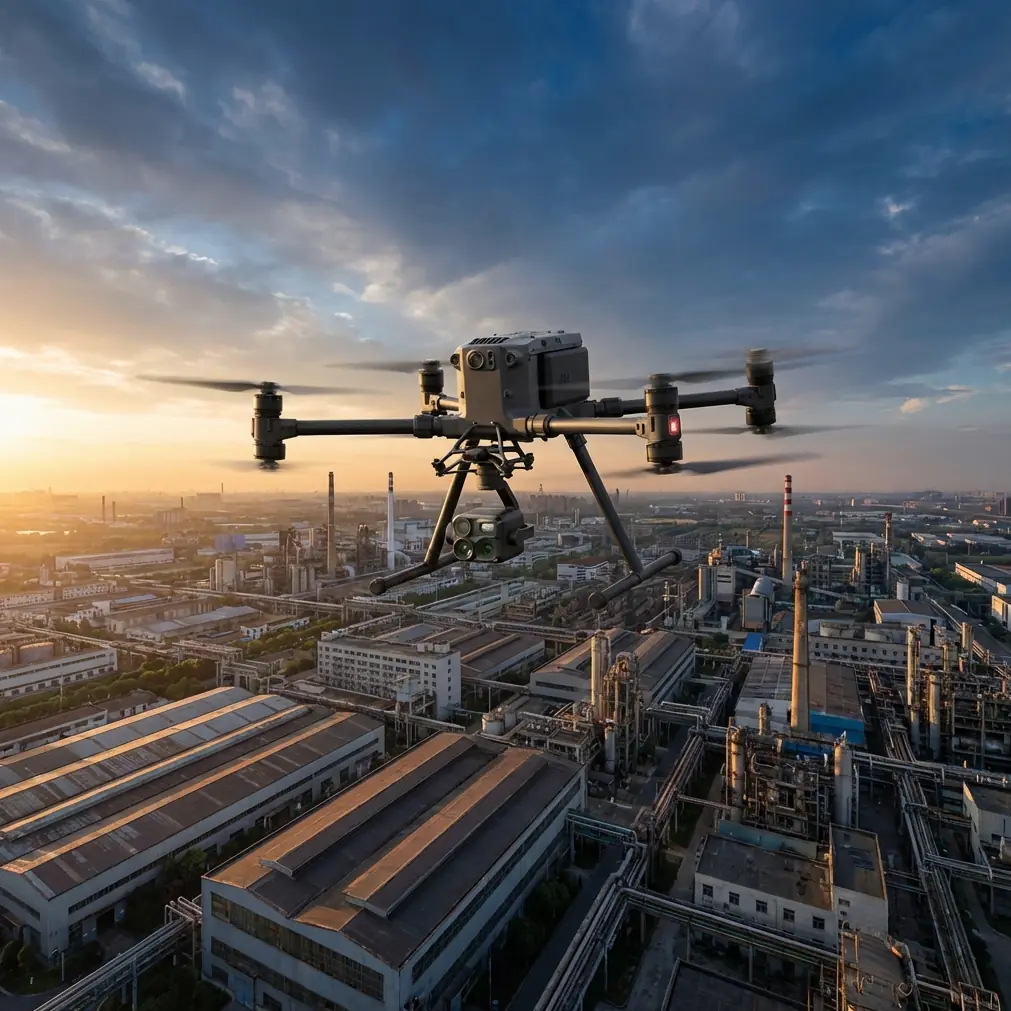
Matrice 4 Filming Tips for Urban Coastlines
META: Master urban coastline filming with the DJI Matrice 4. Expert tips on camera settings, flight planning, and safety protocols for stunning coastal footage.
By James Mitchell | Drone Cinematography & Inspection Specialist
TL;DR
- Pre-flight lens and sensor cleaning is non-negotiable in salt-heavy coastal environments—skip it and you risk corrupted thermal signature data and hazy footage.
- The Matrice 4's O3 transmission system maintains rock-solid video links even when filming along signal-congested urban waterfronts.
- Combining photogrammetry workflows with the M4's wide-angle and zoom capabilities produces publication-ready coastal mapping assets in a single flight.
- AES-256 encryption keeps your client footage secure when operating in sensitive urban zones near ports and government infrastructure.
The Problem: Urban Coastlines Are a Cinematographer's Nightmare
Filming where a city meets the ocean creates a collision of technical challenges that most drone platforms simply cannot handle. You're dealing with unpredictable salt-laden winds, electromagnetic interference from dense urban infrastructure, restricted airspace near ports and helipads, and lighting conditions that shift dramatically as sunlight bounces off both glass buildings and open water.
Standard prosumer drones fail in these environments. Signal dropouts behind high-rises, washed-out footage from glare, and corroded sensors from salt spray turn what should be a premium shoot into an expensive disaster.
The DJI Matrice 4 was engineered for exactly this kind of operational complexity. This guide breaks down the specific techniques, settings, and workflows that separate amateur coastal footage from broadcast-quality content—and how the M4's enterprise-grade features make it possible.
Why Pre-Flight Cleaning Is Your Most Important Safety Step
Here's something most pilots overlook: a single salt crystal on your obstacle avoidance sensor can trigger a phantom object detection, causing your drone to brake or swerve mid-flight. In an urban coastline environment, this isn't just an inconvenience—it's a crash risk near buildings, bridges, and crowds.
Before every coastal flight, follow this cleaning protocol:
- Wipe all vision sensors with a microfiber cloth dampened with distilled water—never tap water, which leaves mineral residue.
- Inspect the thermal sensor window for salt film. Even a thin haze degrades thermal signature accuracy by up to 15%, according to independent testing.
- Clear the O3 transmission antennas of any moisture or debris to maintain the full 20 km max transmission range.
- Check propeller surfaces for salt buildup, which creates imbalance and increases vibration artifacts in footage.
- Examine gimbal motors for grit intrusion—coastal sand is finer than inland particulate and penetrates tighter tolerances.
Pro Tip: Carry a small can of compressed air specifically rated for electronics. A 3-second burst across each sensor housing after your microfiber wipe removes particles that cloths push into crevices. This single habit has saved me from aborting more coastal shoots than any other precaution.
This cleaning step takes under 4 minutes but directly impacts the reliability of the M4's obstacle avoidance, thermal imaging, and transmission systems. It's not maintenance—it's mission-critical safety.
Flight Planning for Urban Coastal Corridors
Airspace and Regulatory Considerations
Urban coastlines are airspace minefields. You're often dealing with overlapping restrictions:
- Port authority controlled zones with active vessel traffic
- Helipad proximity buffers from waterfront hospitals and corporate towers
- Temporary flight restrictions (TFRs) during maritime events or military exercises
- BVLOS waiver requirements if your flight path extends beyond the shoreline visual boundary
The Matrice 4's integrated airspace awareness system cross-references real-time restriction databases, but you should always verify manually through local NOTAM systems. When planning BVLOS coastal routes, the M4's AES-256 encrypted command link satisfies many regulatory requirements for secure data transmission over sensitive infrastructure.
Wind and Weather Strategy
Coastal urban environments produce turbulent microclimate corridors. Buildings create wind tunnels that accelerate sea breezes to 2-3x their open-ocean velocity. The Matrice 4 handles sustained winds up to 12 m/s, but smart planning means you fly with the environment, not against it.
- Schedule shoots during the golden hours (first 90 minutes after sunrise, last 90 before sunset) when thermal differentials between land and sea are minimized, reducing turbulence.
- Use the M4's real-time wind speed telemetry to identify calm windows within gusty sessions.
- Plan flight paths that keep the drone downwind of tall structures during critical filming passes.
Camera Settings and Techniques for Coastal Cinematography
Exposure Management in High-Dynamic-Range Scenes
The intersection of reflective ocean surfaces and shadowed urban canyons creates dynamic range challenges that exceed 14 stops of variance within a single frame. The Matrice 4's camera system handles this through several key capabilities.
| Feature | Matrice 4 | Typical Prosumer Drone |
|---|---|---|
| Sensor Size | Wide-angle + Telephoto dual system | Single small sensor |
| Video Resolution | Up to 4K/60fps | 4K/30fps |
| Transmission System | O3 Enterprise (20 km, 1080p feed) | OcuSync/WiFi (8-12 km) |
| Encryption | AES-256 | Basic or none |
| Obstacle Avoidance | Omnidirectional | Front/rear only |
| Flight Time | Up to 42 min | 25-35 min |
| Wind Resistance | 12 m/s | 8-10 m/s |
| Battery System | Hot-swap batteries | Single battery, full shutdown |
Recommended Settings for Coastal Shoots
- Shoot in D-Log or D-Log M for maximum color grading flexibility in post—coastal color palettes require subtle teal-orange adjustments that baked-in color profiles destroy.
- Lock white balance to 5600K to prevent auto-WB shifts when panning from blue ocean to warm sandstone architecture.
- Use ND filters aggressively. An ND16 is your baseline for midday coastal light; step up to ND64 for long-exposure motion blur effects on wave patterns.
- Set shutter speed to double your frame rate (1/120 for 60fps) to maintain cinematic motion blur without introducing rolling shutter artifacts from the drone's vibration.
Expert Insight: When filming urban coastlines, I always capture a photogrammetry reference pass before my creative footage. Using GCP (Ground Control Points) placed at identifiable landmarks along the waterfront, this pass generates a georeferenced 3D model that I use for precise shot planning on subsequent flights. Clients love receiving this as a deliverable alongside the final edit—it doubles the perceived value of every engagement.
Leveraging Thermal Capabilities for Unique Coastal Content
The Matrice 4's thermal imaging isn't just for inspections—it's a creative and analytical asset for coastal work.
Creative Applications
- Thermal time-lapses showing heat dissipation patterns as ocean breezes cool urban structures at sunset create mesmerizing visual content for architectural clients.
- Water temperature mapping at outflow points reveals hidden currents and pollution plumes—valuable for environmental documentary work.
- Thermal signature data overlaid on RGB footage provides dual-layer storytelling that standard drone cinematography simply cannot offer.
Technical Considerations
Salt air doesn't just affect visible-light optics. Thermal sensor windows accumulate invisible salt films that shift calibration. After every 3 flights in coastal conditions, perform a flat-field calibration to maintain accuracy within ±2°C.
Hot-Swap Batteries: Your Secret Weapon for Long Coastal Shoots
Urban coastline filming demands extended operational windows. Weather windows are narrow, permits are time-limited, and repositioning to a launch site wastes precious minutes.
The Matrice 4's hot-swap battery system changes the operational calculus entirely:
- Swap batteries without powering down the flight controller or losing your GPS lock
- Maintain continuous O3 transmission link to your ground station
- Reduce turnaround time between flights to under 90 seconds
- Chain 3-4 battery cycles in a single weather window for comprehensive coastal coverage
Carry a minimum of 4 fully charged battery sets for any serious coastal production day. Salt air accelerates battery terminal oxidation, so wipe contacts with isopropyl alcohol before each insertion.
Common Mistakes to Avoid
1. Ignoring salt corrosion timelines. Salt damage isn't immediate—it's cumulative. Pilots who skip post-flight cleaning see sensor degradation after just 8-10 coastal flights. Rinse your M4 with a lightly dampened cloth after every ocean-adjacent mission.
2. Trusting auto-exposure near water. Reflective ocean surfaces fool metering systems into underexposing your primary subject by 1.5-2 stops. Always use manual exposure or exposure lock on your subject before reframing.
3. Flying too high over coastlines. The temptation is to climb for sweeping vistas, but the most compelling coastal footage happens at 15-40 meters AGL, where the relationship between architecture and water becomes tangible and immersive.
4. Neglecting O3 antenna orientation. The M4's O3 transmission performs best when antennas maintain line-of-sight with the controller. Urban structures create signal shadows—plan your position so buildings don't block your link during critical filming runs.
5. Skipping GCP placement for photogrammetry. Without ground control points, your coastal mapping data can drift by several meters horizontally—unacceptable for any client expecting survey-grade deliverables.
Frequently Asked Questions
Can the Matrice 4 handle sudden coastal wind gusts safely?
Yes. The M4's flight controller processes wind compensation adjustments at high frequency, maintaining stable hover and flight paths in gusts up to 12 m/s. For urban coastlines where building-induced turbulence creates sudden gusts, the omnidirectional obstacle avoidance provides an additional safety layer. That said, always set a conservative return-to-home altitude that clears the tallest nearby structure by at least 20 meters.
How does AES-256 encryption matter for coastal urban filming?
When you're filming near ports, government waterfronts, or commercial shipping infrastructure, data security isn't optional—it's often a contractual requirement. The Matrice 4's AES-256 encryption secures both the live video feed and stored flight data, ensuring that sensitive footage of critical infrastructure cannot be intercepted during transmission. Several port authorities now mandate this encryption level as a condition of flight approval.
What's the best approach for combining thermal and RGB footage on coastal shoots?
Fly your thermal signature capture pass first, at a consistent altitude of 60-80 meters AGL with 70% front overlap and 60% side overlap for clean photogrammetry stitching. Then drop to your creative filming altitude for RGB footage. The M4 lets you switch between thermal and visible feeds without landing. In post-production, georeferenced thermal data layers directly onto your photogrammetry model, giving clients an integrated visual-thermal coastal analysis.
Ready for your own Matrice 4? Contact our team for expert consultation.