
Matrice 4 for Dusty Construction Sites: Expert Guide
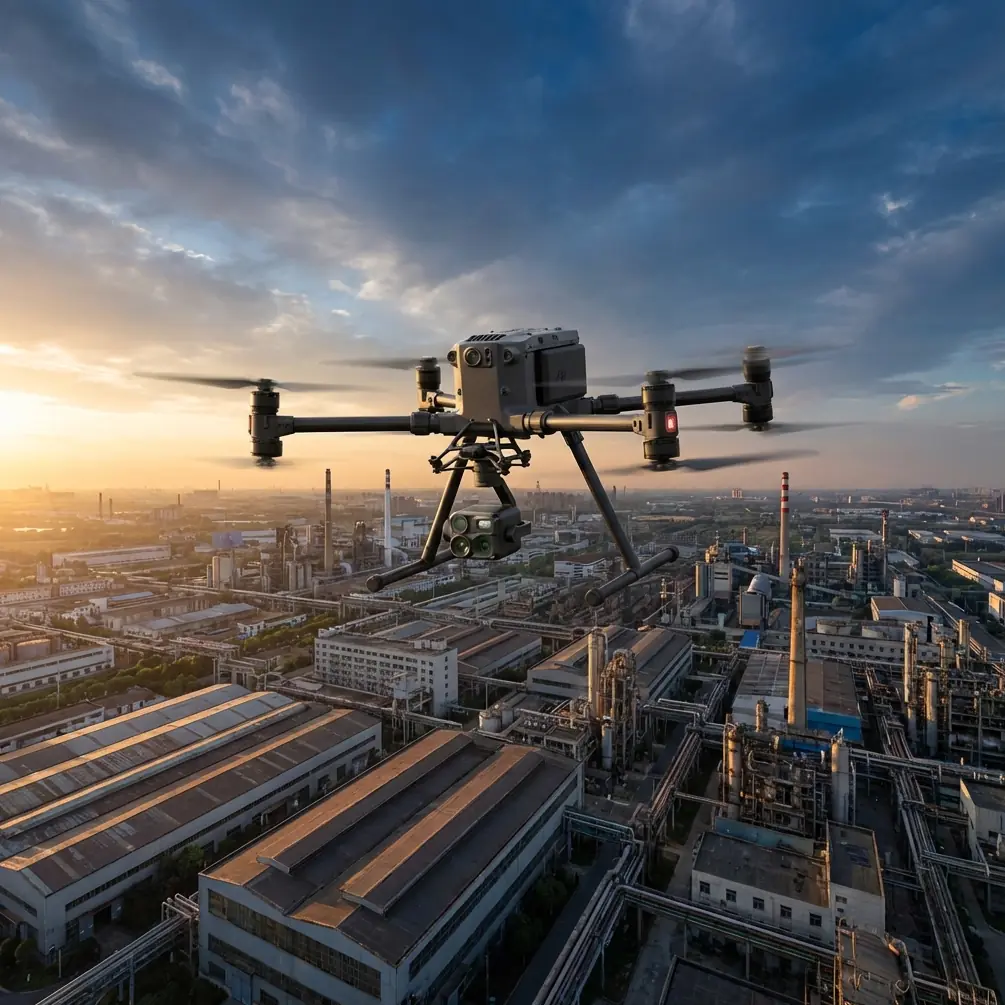
Matrice 4 for Dusty Construction Sites: Expert Guide
META: Master construction site filming with the Matrice 4. Expert tips for dusty conditions, antenna positioning, and thermal imaging to maximize your drone operations.
TL;DR
- IP55 rating protects the Matrice 4 from dust ingress during construction site operations
- Optimal antenna positioning at 45-degree angles extends O3 transmission range up to 20 kilometers
- Thermal signature detection identifies equipment heat stress before mechanical failures occur
- Hot-swap batteries enable continuous filming without powering down in dusty environments
The Dust Problem Every Construction Drone Operator Faces
Airborne particulates destroy drones. Construction sites generate silica dust, concrete powder, and debris that infiltrate motors, obscure sensors, and corrupt footage. The Matrice 4 addresses these challenges with enterprise-grade environmental protection and transmission technology that maintains signal integrity through interference.
This guide covers antenna positioning strategies, thermal imaging applications, and operational protocols that protect your investment while capturing professional-grade construction documentation. Whether you're conducting photogrammetry surveys or monitoring site progress, these techniques will extend your equipment lifespan and improve deliverable quality.
Understanding Construction Site Atmospheric Challenges
Dust particles between 10-100 microns create the most significant operational hazards. These particles are large enough to cause mechanical wear but small enough to bypass standard seals. Construction activities generate predictable dust patterns based on:
- Excavation work: Heavy particulate concentration at ground level
- Concrete operations: Fine calcium-based powder that adheres to optical surfaces
- Demolition activities: Unpredictable debris clouds with variable particle sizes
- Vehicle movement: Cyclical dust generation along haul roads
The Matrice 4's sealed motor design and protected gimbal housing provide IP55-rated defense against these conditions. However, environmental protection alone doesn't guarantee successful operations—proper flight planning and antenna management determine mission success.
Expert Insight: Schedule flights during the first two hours after sunrise when construction activity is minimal and overnight moisture has settled surface dust. This window typically offers 60% lower particulate concentration than midday operations.
Antenna Positioning for Maximum Range in Obstructed Environments
Construction sites present unique RF challenges. Steel structures, heavy machinery, and material stockpiles create signal shadows that degrade O3 transmission quality. Proper antenna positioning compensates for these obstructions.
The 45-Degree Rule
Position your remote controller antennas at 45-degree angles relative to the ground, creating a V-shape configuration. This orientation:
- Maximizes signal reception across horizontal flight paths
- Reduces ground reflection interference
- Maintains consistent link quality during orbital maneuvers around structures
Elevation Compensation
When filming multi-story construction, adjust antenna angles based on aircraft altitude:
| Aircraft Altitude | Recommended Antenna Angle | Expected Range |
|---|---|---|
| 0-30 meters | 45 degrees | 15+ km |
| 30-80 meters | 60 degrees | 18+ km |
| 80-150 meters | 75 degrees | 20 km |
| BVLOS operations | 90 degrees (vertical) | Maximum rated |
Ground Station Positioning
Establish your control position on elevated terrain when possible. A 3-meter elevation advantage over surrounding obstacles improves signal penetration through dust clouds and reduces multipath interference from metal structures.
Pro Tip: Carry a collapsible step ladder or position yourself on completed structural elements. The additional height provides cleaner line-of-sight and keeps you above vehicle-generated dust plumes.
Thermal Signature Applications for Construction Monitoring
The Matrice 4's thermal imaging capabilities extend beyond standard documentation. Construction managers increasingly rely on thermal data for:
Equipment Health Monitoring
Heavy machinery generates predictable thermal patterns during normal operation. Aerial thermal surveys identify:
- Overheating hydraulic systems before seal failures
- Electrical connection issues in temporary power distribution
- Bearing wear in conveyor systems and material handlers
- Cooling system deficiencies in generators and compressors
Establish baseline thermal signatures during commissioning, then conduct weekly comparative surveys. Temperature differentials exceeding 15°C from baseline warrant immediate inspection.
Concrete Curing Verification
Thermal imaging documents curing progression across large pours. Proper curing maintains temperatures between 10-30°C for standard mixes. The Matrice 4 captures thermal mosaics that:
- Verify blanket coverage during cold weather operations
- Identify premature moisture loss in hot conditions
- Document temperature differentials that indicate structural concerns
- Provide timestamped evidence for quality assurance records
Personnel Safety Monitoring
During extreme weather, thermal surveys identify workers showing signs of heat stress before symptoms become dangerous. Core body temperature elevation appears as facial thermal signatures 2-3 degrees above ambient skin temperature.
Photogrammetry Workflows for Dusty Conditions
Accurate photogrammetry requires consistent image quality across survey areas. Dust creates unique challenges for ground control point (GCP) visibility and image clarity.
GCP Protection Strategies
Standard GCP targets accumulate dust within hours on active construction sites. Implement these countermeasures:
- Use elevated GCP platforms positioned 30-50 centimeters above ground level
- Apply anti-static coatings to target surfaces
- Schedule GCP cleaning immediately before survey flights
- Deploy redundant targets at each control location
Flight Planning Adjustments
Modify standard photogrammetry parameters for dusty conditions:
| Parameter | Standard Setting | Dusty Condition Adjustment |
|---|---|---|
| Overlap | 75% front, 65% side | 80% front, 75% side |
| Altitude | Project-specific | Increase 10-15% |
| Speed | 8-12 m/s | 6-8 m/s |
| Gimbal angle | -90 degrees | -80 to -85 degrees |
The increased overlap compensates for occasional image degradation. Higher altitude reduces particulate density in the imaging zone. Slower speeds allow the gimbal stabilization system to compensate for turbulence from thermal updrafts common on construction sites.
Lens Maintenance Protocol
Dust accumulation on the lens housing degrades image quality progressively. Implement a pre-flight cleaning ritual:
- Use compressed air to remove loose particles
- Apply lens cleaning solution to microfiber cloth (never directly to lens)
- Wipe in circular motions from center outward
- Inspect under magnification for remaining contamination
- Repeat if necessary before each flight
Hot-Swap Battery Operations
The Matrice 4's hot-swap battery system enables continuous operations without full shutdown cycles. This capability proves essential on construction sites where:
- Dust infiltration risk increases during power-down sequences
- Time-sensitive documentation requires uninterrupted coverage
- Multiple survey areas demand extended flight duration
Proper Hot-Swap Technique
Execute battery exchanges within the 90-second window:
- Land on a clean, prepared surface (deploy a landing pad)
- Keep motors running at idle
- Release the depleted battery using the quick-release mechanism
- Insert the fresh battery until the locking mechanism engages
- Verify battery connection indicator before resuming flight
Expert Insight: Pre-position charged batteries in a sealed, dust-proof container within arm's reach of your landing zone. Exposure to airborne particulates can contaminate battery contacts, causing connection failures during critical operations.
Data Security Considerations
Construction documentation often contains sensitive project information. The Matrice 4's AES-256 encryption protects transmitted data from interception, but comprehensive security requires additional protocols:
- Enable local storage encryption for all recorded media
- Implement secure file transfer procedures for deliverables
- Maintain chain-of-custody documentation for legal proceedings
- Configure automatic deletion of cached transmission data
Common Mistakes to Avoid
Flying immediately after dust-generating activities: Wait 15-20 minutes after major excavation or demolition work for particulates to settle below your planned flight altitude.
Neglecting motor inspection: Dust accumulation in motor housings causes progressive performance degradation. Conduct visual inspections after every 5 flight hours in dusty conditions.
Ignoring wind direction: Position yourself upwind from active dust sources. This keeps your control station in cleaner air and maintains better visual contact with the aircraft.
Storing equipment on-site: Never leave the Matrice 4 in construction site storage containers overnight. Temperature fluctuations cause condensation that combines with dust to create corrosive compounds.
Skipping pre-flight sensor calibration: Dust accumulation affects compass and IMU readings. Calibrate sensors at the start of each operational day, not just when prompted by the system.
Frequently Asked Questions
How often should I clean the Matrice 4 after construction site operations?
Perform basic cleaning after every flight day in dusty conditions. Use compressed air at 30 PSI maximum to clear debris from motor housings, gimbal mechanisms, and sensor arrays. Conduct thorough cleaning with appropriate solvents every 20 flight hours or immediately if you notice performance degradation.
Can the Matrice 4 operate during active construction work?
Yes, but coordination with site management is essential. Establish communication protocols with equipment operators, define no-fly zones around active cranes and material handling equipment, and maintain visual observers when operating near personnel. The O3 transmission system maintains reliable control links even near operating heavy equipment.
What's the maximum wind speed for safe construction site operations?
The Matrice 4 handles sustained winds up to 12 m/s, but construction sites generate localized turbulence around structures and equipment. Reduce your operational wind limit to 8 m/s when flying near buildings under construction or large material stockpiles. Thermal updrafts from sun-heated surfaces add additional instability during afternoon hours.
Ready for your own Matrice 4? Contact our team for expert consultation.