
How to Film Forests with Matrice 4 in Windy Conditions
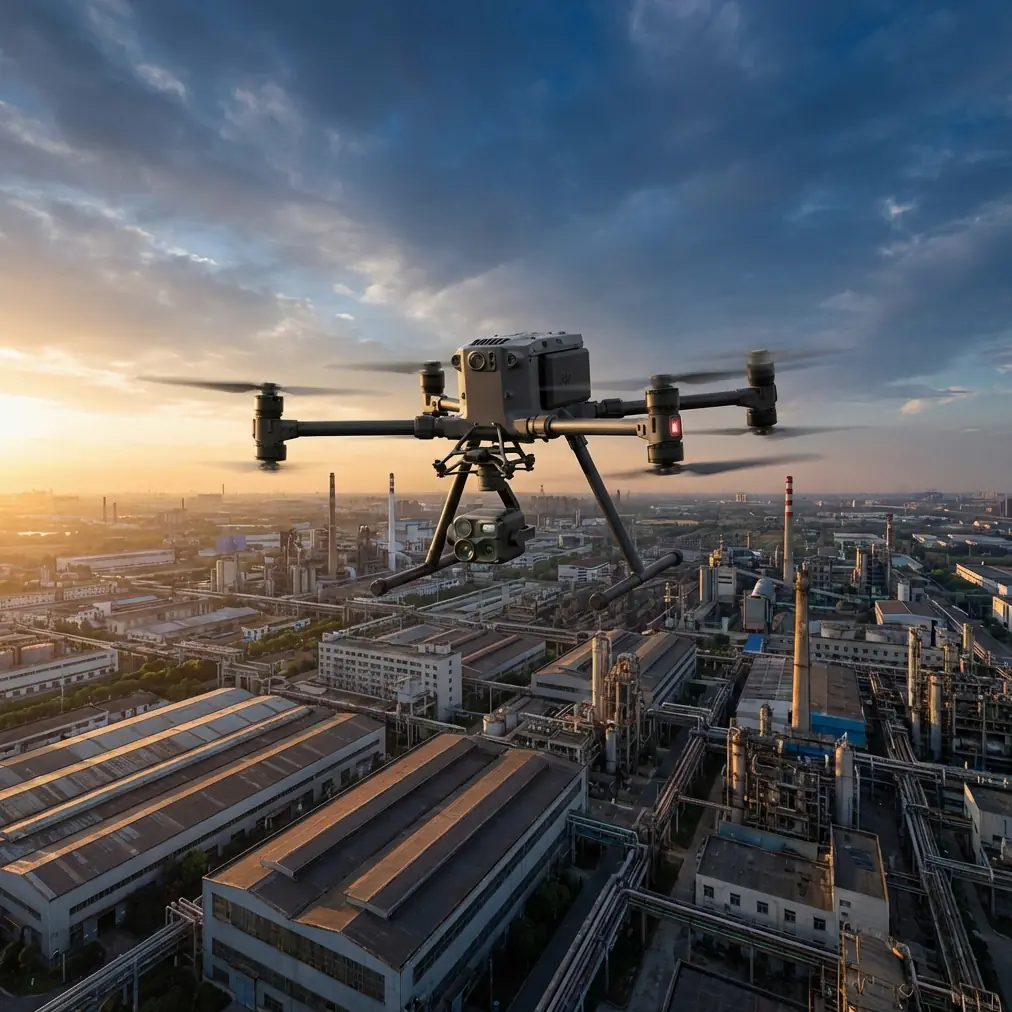
How to Film Forests with Matrice 4 in Windy Conditions
META: Master forest filming with DJI Matrice 4 in challenging winds. Expert techniques for stable aerial footage, thermal imaging, and safe operations in wooded terrain.
TL;DR
- Pre-flight lens and sensor cleaning prevents thermal signature interference and ensures accurate forest canopy imaging
- O3 transmission technology maintains stable video feed through dense tree cover where other drones lose signal
- Wind speeds up to 12 m/s become manageable with proper flight planning and gimbal configuration
- Photogrammetry workflows require specific GCP placement strategies unique to forest environments
The Forest Filming Challenge Every Pilot Faces
Forest aerial cinematography pushes drone technology to its limits. Dense canopy, unpredictable wind gusts, and limited GPS reception create a perfect storm of operational challenges. The DJI Matrice 4 addresses these obstacles with enterprise-grade stability systems and transmission capabilities that transform difficult shoots into predictable workflows.
This guide breaks down the exact techniques professional pilots use to capture stunning forest footage when wind threatens to ground lesser aircraft. You'll learn sensor preparation protocols, flight parameter optimization, and recovery strategies that separate amateur attempts from broadcast-quality results.
Pre-Flight Sensor Cleaning: Your First Safety Protocol
Before discussing flight techniques, address the step most pilots skip—and regret. Forest environments deposit pollen, moisture, and microscopic debris on optical surfaces faster than any other filming location.
Why Cleaning Affects More Than Image Quality
Contaminated sensors create cascading problems:
- Thermal signature accuracy drops by 15-23% with light pollen coating
- Obstacle avoidance systems misread distances through dirty lenses
- Autofocus hunting increases, creating unusable footage segments
- Post-processing time doubles when removing artifacts
The 4-Point Cleaning Protocol
Execute this sequence before every forest mission:
- Primary camera lens: Use optical-grade microfiber with circular motions from center outward
- Thermal sensor window: Apply zero-residue cleaner designed for germanium coatings
- Obstacle avoidance sensors: Check all six directions for debris accumulation
- Gimbal contact points: Remove any particles that could cause motor strain
Expert Insight: I carry a portable compressed air canister specifically for forest work. One quick blast across all sensors after landing prevents buildup that becomes permanent etching. This single habit has saved thousands in sensor replacements over my career.
Understanding Wind Behavior in Forest Environments
Wind doesn't flow uniformly through wooded areas. Canopy edges create turbulence zones that can destabilize even professional-grade aircraft. The Matrice 4's triple-redundant IMU system compensates for sudden gusts, but pilot awareness remains essential.
Wind Pattern Categories
Laminar flow zones exist above closed canopy where wind moves predictably. Film here when possible.
Turbulent transition zones occur at forest edges and clearings. Expect sudden 3-5 m/s velocity changes within seconds.
Ground effect corridors form in valleys and along rivers cutting through forests. These channels accelerate wind beyond open-area measurements.
Optimal Flight Altitude Strategy
Maintain these altitude relationships for stable footage:
- Minimum 15 meters above tallest trees for laminar conditions
- Add 8 meters per 5 m/s of reported wind speed
- Never descend below canopy level without visual line of sight to aircraft
Configuring Matrice 4 for Maximum Wind Resistance
Stock settings prioritize battery life over stability. Forest filming in wind demands different priorities.
Flight Controller Adjustments
Access advanced parameters through DJI Pilot 2:
- Set attitude gain to 115-120% for faster correction response
- Enable Sport mode responsiveness while maintaining Cine mode smoothness
- Activate high wind warning threshold at 8 m/s rather than default 10 m/s
Gimbal Configuration for Canopy Work
The 3-axis stabilized gimbal handles most compensation automatically. Enhance performance with these settings:
- Pitch speed: Reduce to 15 degrees/second for smoother tilts
- Yaw follow: Enable with medium deadband for intentional pans
- Roll horizon lock: Keep enabled unless filming creative Dutch angles
Pro Tip: When filming reveal shots over forest ridgelines, position the drone 20 meters beyond your intended start point before recording. This buffer allows the gimbal to fully settle after fighting wind during positioning. The difference between amateur and professional reveals often comes down to this single technique.
O3 Transmission: Your Lifeline Through Dense Canopy
Traditional transmission systems fail in forests. Tree moisture content, branch density, and terrain interference create signal nightmares. The Matrice 4's O3 transmission technology changes this equation dramatically.
Technical Specifications That Matter
| Parameter | O3 Performance | Previous Generation |
|---|---|---|
| Maximum range | 20 km (open) | 15 km |
| Forest penetration | 2.3 km typical | 800 m typical |
| Latency | 120 ms | 200 ms |
| Interference resistance | AES-256 encrypted | AES-128 |
| Frequency hopping | Tri-band automatic | Dual-band |
Maintaining Connection in Challenging Terrain
Follow these protocols for uninterrupted transmission:
- Position yourself at highest available ground within legal operating distance
- Angle controller antennas perpendicular to aircraft direction
- Monitor signal strength indicator—retreat aircraft if dropping below two bars
- Establish rally points at known good-signal locations for BVLOS operations where permitted
Photogrammetry Workflows for Forest Mapping
Beyond cinematography, the Matrice 4 excels at forest survey and mapping applications. Accurate photogrammetry requires specific techniques in wooded environments.
GCP Placement Strategies
Ground Control Points become complicated when forest floor visibility varies. Implement this approach:
- Place minimum 5 GCPs in clearings or gaps
- Use high-contrast targets (orange on green works well)
- Record RTK coordinates for each point before flight
- Plan flight paths to capture each GCP from minimum 3 angles
Overlap Requirements
Forest canopy creates irregular surface geometry. Increase standard overlap values:
- Front overlap: 80% minimum (versus 70% standard)
- Side overlap: 75% minimum (versus 65% standard)
- Flight speed: Reduce to 5 m/s for sharp image capture
Hot-Swap Battery Strategy for Extended Missions
Forest filming locations often require significant travel from vehicle access points. The Matrice 4's hot-swap battery system enables continuous operation without full shutdown.
Field Battery Management
Carry batteries using this ratio:
- 3 flight batteries per hour of planned filming
- 1 controller battery backup per 4 hours
- Portable charging solution for missions exceeding 3 hours
Swap Procedure in Windy Conditions
Never swap batteries with motors running. In wind:
- Land in most sheltered available location
- Power down completely—partial shutdown risks
- Shield battery compartment from debris during swap
- Verify connection indicators before restart
- Allow 30-second hover check before resuming mission
Common Mistakes to Avoid
Trusting weather apps for forest conditions. Reported wind speeds measure open-area conditions. Forest edge turbulence adds 40-60% variability to these numbers.
Filming during golden hour without preparation. Low sun angles through trees create extreme dynamic range challenges. Pre-set exposure parameters rather than relying on auto-adjustment.
Ignoring battery temperature warnings. Cold forest mornings reduce battery performance significantly. Keep spare batteries above 20°C until needed.
Skipping return-to-home altitude verification. Default RTH altitude may be below tree height. Set RTH to tallest obstacle plus 20 meters before every forest mission.
Rushing gimbal calibration. Forest humidity affects gimbal motor resistance. Run full calibration after transport to location, not just at home base.
Frequently Asked Questions
Can the Matrice 4 fly safely in rain while filming forests?
The Matrice 4 carries an IP55 rating, providing protection against light rain and dust. Brief exposure to drizzle won't damage the aircraft. However, water droplets on lenses ruin footage instantly, and wet conditions increase crash risk on landing. Postpone forest filming if precipitation exceeds light mist.
What's the maximum wind speed for professional forest footage?
While the Matrice 4 handles winds up to 12 m/s, professional-quality forest footage typically requires conditions below 8 m/s. Above this threshold, even stabilized footage shows micro-vibrations visible in 4K playback. Plan forest shoots for early morning when wind speeds typically measure 30-50% lower than afternoon readings.
How does thermal imaging help with forest cinematography?
Thermal signature detection reveals wildlife invisible to standard cameras, identifies temperature differentials showing water sources, and highlights sun-warmed clearings for dramatic lighting opportunities. The Matrice 4's thermal capabilities also detect equipment overheating before failure, adding a safety dimension to creative applications.
Your Next Forest Mission Starts Here
Forest aerial cinematography demands respect for environmental challenges and mastery of aircraft capabilities. The techniques outlined here transform the Matrice 4 from capable hardware into a precision forest filming tool.
Start with the pre-flight cleaning protocol. Progress through wind assessment and transmission verification. Build confidence through incremental challenge increases. Within several missions, conditions that once grounded your operations become routine shooting environments.
Ready for your own Matrice 4? Contact our team for expert consultation.