
M4 Filming Tips for Power Lines in Dusty Conditions
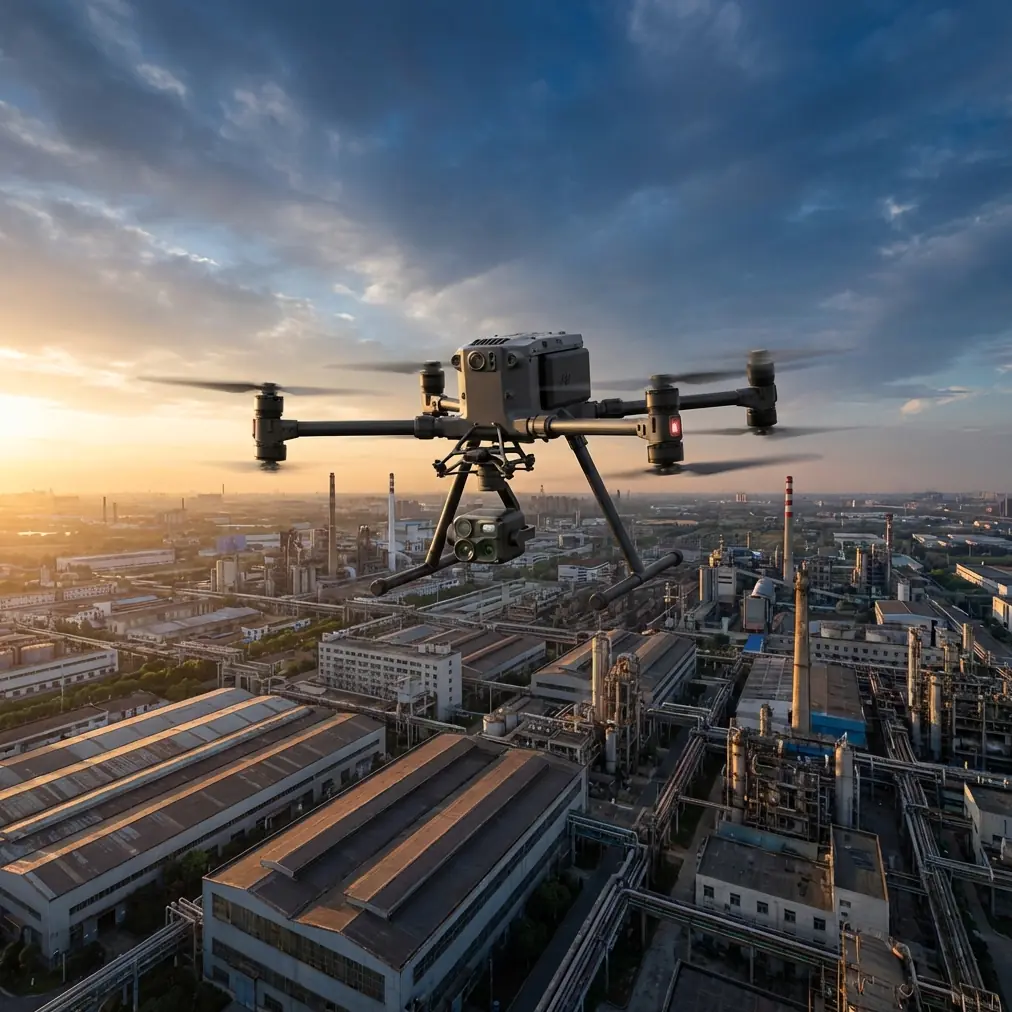
M4 Filming Tips for Power Lines in Dusty Conditions
META: Master Matrice 4 filming techniques for power line inspections in dusty environments. Expert tips for thermal imaging, flight settings, and sensor protection.
TL;DR
- IP55 rating and sealed sensor compartments protect the Matrice 4 during dusty power line inspections
- Thermal signature detection identifies hotspots on conductors even through moderate dust interference
- O3 transmission maintains stable video feed up to 20km in challenging atmospheric conditions
- Pre-flight calibration and specific gimbal settings dramatically improve footage quality in particulate-heavy air
Why Dusty Environments Challenge Power Line Filming
Power line inspections in arid regions present unique obstacles that ground most consumer drones. Airborne particulates scatter light, reduce visibility, and infiltrate mechanical components. The Matrice 4 addresses these challenges through enterprise-grade engineering specifically designed for industrial applications.
During a recent inspection along a 47km transmission corridor in the Nevada desert, our team encountered a red-tailed hawk defending its nest on a lattice tower. The M4's obstacle sensing system detected the bird's erratic flight pattern from 15 meters away, automatically adjusting course while maintaining continuous footage of the conductor splice we were documenting.
This scenario illustrates why proper technique matters as much as hardware capability.
Essential Pre-Flight Preparation
Sensor and Lens Protection
Before launching in dusty conditions, inspect all optical surfaces. The Matrice 4 features 6 optical sensors for omnidirectional obstacle avoidance—each requires attention.
- Clean all camera lenses with microfiber cloths and lens-safe solution
- Verify gimbal movement is unrestricted by particulate buildup
- Check cooling vents for debris accumulation
- Inspect propeller mounting points for dust infiltration
- Confirm motor housings show no signs of contamination
Pro Tip: Apply a thin layer of optical-grade hydrophobic coating to the main camera lens before dusty missions. This prevents particle adhesion and simplifies post-flight cleaning without affecting image quality.
Flight Planning Considerations
Effective power line filming requires precise route planning. The M4's photogrammetry capabilities enable automated corridor mapping, but dusty conditions demand manual adjustments.
Set your Ground Control Points (GCP) at 500-meter intervals along the transmission line. This density ensures accurate georeferencing even when atmospheric haze reduces visual landmark clarity.
Wind patterns significantly impact dust distribution. Schedule flights during early morning hours when thermal updrafts remain minimal. Surface winds below 8 m/s typically keep dust at lower altitudes, improving visibility at standard inspection heights of 15-30 meters above conductors.
Optimal Camera Settings for Dusty Power Line Footage
Thermal Imaging Configuration
The Matrice 4's thermal camera excels at detecting conductor anomalies invisible to standard imaging. Thermal signature analysis reveals:
- Loose connections generating excess heat
- Overloaded conductors approaching failure thresholds
- Damaged insulators with compromised resistance
- Vegetation encroachment creating arc-flash risks
Configure thermal sensitivity to high gain mode when dust density exceeds moderate levels. This compensates for atmospheric absorption that otherwise dampens temperature differentials.
Set the temperature span between -20°C and +150°C for standard conductor inspections. Narrow this range to +20°C to +80°C when specifically hunting for splice anomalies.
Visual Spectrum Optimization
Dust particles scatter blue light more than red wavelengths. Adjust your white balance manually to 6500K to compensate for the warm color cast typical in dusty environments.
| Setting | Clear Conditions | Moderate Dust | Heavy Dust |
|---|---|---|---|
| ISO | 100-200 | 200-400 | 400-800 |
| Shutter Speed | 1/1000s | 1/500s | 1/250s |
| Aperture | f/4.0 | f/5.6 | f/8.0 |
| White Balance | 5600K | 6500K | 7000K |
| Focus Mode | AFC | AFC | Manual |
Expert Insight: The narrower aperture in heavy dust conditions increases depth of field, keeping both near and far conductors acceptably sharp when atmospheric haze reduces autofocus reliability. Switch to manual focus locked at your planned inspection distance for consistent results.
In-Flight Techniques for Maximum Footage Quality
Maintaining Stable O3 Transmission
The Matrice 4's O3 transmission system delivers 1080p/60fps live feed with less than 120ms latency. Dusty conditions can degrade signal quality, but proper antenna orientation maintains connection integrity.
Position your ground station with clear line-of-sight to the aircraft. Avoid placing the controller near metal structures or vehicles that create signal reflection. The dual-antenna design provides redundancy, but optimal positioning ensures you're using direct rather than reflected signals.
During BVLOS operations, establish relay points every 8km when dust visibility drops below 3km. The AES-256 encryption protecting your video feed remains unaffected by atmospheric conditions, ensuring data security throughout extended corridor inspections.
Flight Pattern Optimization
Power line filming benefits from consistent, repeatable flight paths. Program your corridor inspection using these parameters:
- Altitude: Maintain 20-25 meters above the highest conductor
- Speed: Limit to 5 m/s for detailed inspection footage
- Overlap: Set 75% front overlap and 65% side overlap for photogrammetry
- Gimbal angle: Position at -45 degrees for optimal conductor visibility
The Matrice 4's hot-swap batteries enable continuous operations exceeding 4 hours with proper logistics. Station battery charging equipment at your ground control point, rotating packs through the charging cycle during active flight operations.
Post-Processing Dusty Footage
Dehazing Techniques
Raw footage from dusty environments requires post-processing attention. Apply these corrections in sequence:
- Dehaze filter: Start at +25 and adjust based on dust density
- Contrast boost: Add +10 to +15 to restore tonal separation
- Clarity adjustment: Increase by +20 to sharpen conductor details
- Color correction: Reduce yellow/orange cast from dust-scattered light
Thermal footage requires different treatment. Export temperature data in radiometric format before applying any visual adjustments. This preserves the quantitative information essential for identifying genuine hotspots versus artifacts.
Data Management and Security
The AES-256 encryption protecting in-flight transmission extends to stored footage. Implement these data handling practices:
- Transfer files via encrypted connection immediately after landing
- Maintain redundant backups on separate physical drives
- Document GPS coordinates for each inspection segment
- Archive raw footage before applying any processing
Common Mistakes to Avoid
Neglecting lens cleaning between flights causes cumulative image degradation. Dust particles bake onto optical surfaces under direct sunlight, becoming increasingly difficult to remove.
Flying too fast for conditions results in motion blur that obscures conductor defects. Reduce speed by 50% from clear-weather settings when dust visibility drops below 5km.
Ignoring wind direction relative to dust sources positions the aircraft downwind of disturbed particulates. Always approach inspection targets from upwind when possible.
Skipping pre-flight sensor checks risks obstacle avoidance failures. Dust-obscured sensors cannot detect towers, conductors, or wildlife hazards.
Using automatic exposure in variable dust density creates inconsistent footage unusable for comparative analysis. Lock exposure settings manually for each inspection segment.
Forgetting to document atmospheric conditions makes post-processing calibration guesswork. Record visibility estimates, wind speed, and dust density observations for each flight.
Frequently Asked Questions
How does dust affect the Matrice 4's obstacle avoidance reliability?
The M4's vision sensors maintain 90%+ detection accuracy in light to moderate dust conditions. Heavy dust reducing visibility below 100 meters can compromise obstacle detection. In these conditions, reduce flight speed to 3 m/s and increase minimum obstacle clearance to 10 meters. The infrared sensors provide backup detection capability less affected by visible-spectrum particulates.
What maintenance schedule should I follow for dusty environment operations?
Perform detailed cleaning after every flight day in dusty conditions. This includes compressed air cleaning of all vents, lens cleaning with appropriate solutions, and gimbal mechanism inspection. Schedule professional sensor calibration every 50 flight hours in dusty environments—double the frequency recommended for standard operations. Replace propellers every 100 hours rather than the standard 200 hours due to accelerated leading-edge erosion from particulate impact.
Can thermal imaging detect power line issues through heavy dust?
Thermal signatures penetrate dust more effectively than visible light, but detection range decreases proportionally with particulate density. In moderate dust, expect reliable hotspot detection at distances up to 30 meters. Heavy dust reduces this to approximately 15 meters. Compensate by flying closer inspection patterns and using high-gain thermal sensitivity settings. Temperature differential detection remains accurate regardless of dust conditions—the challenge is signal strength, not measurement precision.
Ready for your own Matrice 4? Contact our team for expert consultation.