
How to Monitor Mountain Fields with Matrice 4
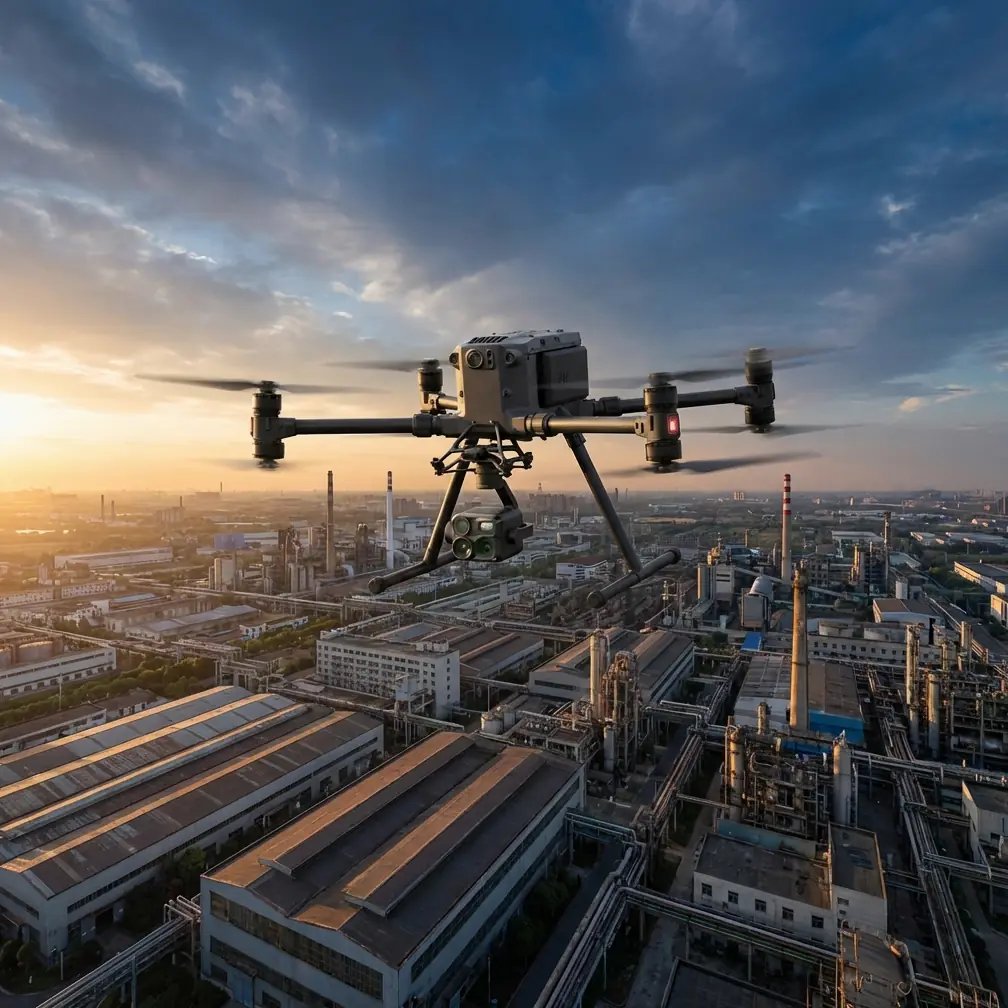
How to Monitor Mountain Fields with Matrice 4
META: Learn how to monitor mountain fields with the DJI Matrice 4. Expert tutorial covers flight altitude, thermal signatures, photogrammetry, and BVLOS operations.
By James Mitchell | Drone Operations Expert & Certified Remote Pilot
TL;DR
- Optimal flight altitude for mountain field monitoring sits between 80–120 meters AGL, depending on terrain slope and crop type.
- The Matrice 4's O3 transmission system and AES-256 encryption ensure reliable, secure data links even in deep valleys.
- Combine thermal signature analysis with photogrammetry workflows to detect irrigation stress, pest damage, and erosion patterns in a single sortie.
- Hot-swap batteries and BVLOS capability make it possible to survey large, fragmented mountain parcels without landing between fields.
Why Mountain Field Monitoring Demands a Different Approach
Flat-terrain agriculture is forgiving. Mountain agriculture is not. Steep gradients, unpredictable thermals, signal-blocking ridgelines, and fragmented field layouts make standard drone operations unreliable—or outright dangerous.
If you're responsible for monitoring crops, soil health, or irrigation infrastructure across mountainous terrain, you need a platform built for exactly this kind of challenge. This tutorial walks you through a complete mountain field monitoring workflow using the DJI Matrice 4, from mission planning to post-flight data processing.
Every recommendation here comes from field-tested experience across alpine vineyards, terraced grain fields, and high-altitude pastures above 2,500 meters elevation.
Step 1: Pre-Mission Planning for Mountain Terrain
Assess the Terrain Profile
Before you power on the Matrice 4, study your area of interest using topographic maps or a digital elevation model (DEM). Mountain fields rarely sit on a single plane. You need to identify:
- Maximum and minimum elevation points within your survey area
- Slope angles (anything above 25 degrees requires terrain-follow mode)
- Ridgelines and valleys that could block your control signal
- Potential launch and recovery sites with flat, stable ground
Set Ground Control Points (GCPs)
Accurate photogrammetry in mountainous terrain depends heavily on well-placed GCPs. Without them, your orthomosaics will warp across elevation changes, producing unreliable crop health data.
Place a minimum of 5 GCPs per survey block, distributed across the full elevation range—not just at the edges. Use a PPK or RTK-enabled GNSS receiver to log each point with sub-centimeter accuracy.
Pro Tip: In steep terrain, place at least 2 GCPs at your highest elevation and 2 at your lowest. This anchors the vertical accuracy of your model and prevents the "rubber sheet" distortion that ruins volumetric calculations on slopes.
Check Signal Propagation
The Matrice 4's O3 transmission system delivers a 20 km max transmission range in open conditions. Mountains change the equation. Rock faces, dense tree cover, and narrow valleys create signal shadows.
Walk the perimeter of your planned flight area and note any terrain features that sit between your planned launch point and the farthest survey waypoint. If a ridgeline blocks line-of-sight, either relocate your launch point or split the mission into two sorties with different takeoff positions.
Step 2: Configuring the Matrice 4 for Mountain Operations
Flight Altitude Selection
This is where most operators get mountain monitoring wrong. A single fixed altitude doesn't work when the ground beneath you changes by 200+ meters across a single field.
The Matrice 4 supports terrain-follow mode, which adjusts altitude dynamically based on DEM data. Set your Above Ground Level (AGL) altitude rather than a fixed Above Sea Level (ASL) value.
| Monitoring Objective | Recommended AGL | GSD Achieved | Notes |
|---|---|---|---|
| Broad crop health overview | 100–120 m | ~2.5 cm/px | Best for large terraced fields |
| Irrigation & drainage analysis | 80–100 m | ~2.0 cm/px | Sufficient for channel detection |
| Pest/disease spot detection | 50–70 m | ~1.2 cm/px | Requires more flight lines |
| Individual plant assessment | 30–50 m | ~0.8 cm/px | High battery consumption |
| Thermal signature scanning | 60–90 m | Sensor-dependent | Fly during early morning or late afternoon |
Expert Insight: For most mountain field monitoring, 80–120 meters AGL is the sweet spot. Below 80 meters, you burn through batteries too quickly on large parcels. Above 120 meters, you lose the ground sampling distance needed to detect early-stage stress indicators. If you're combining RGB and thermal passes, fly the thermal pass at 70–90 m AGL during the first two hours after sunrise, when thermal contrast between healthy and stressed vegetation is most pronounced.
Sensor Configuration
The Matrice 4 supports multiple payload configurations. For mountain field monitoring, prioritize:
- Wide-angle RGB camera for photogrammetry and orthomosaic generation
- Thermal imaging sensor for detecting irrigation anomalies, pest hotspots, and soil moisture variation via thermal signature analysis
- Multispectral sensor (if available) for NDVI and crop vigor indexing
Set your RGB camera to capture in RAW format for maximum flexibility in post-processing. Use auto exposure with a fixed white balance to maintain consistency across flight lines.
Step 3: Executing the Flight Mission
Takeoff and Initial Checks
Mountain launch sites are rarely ideal. Clear a 3 x 3 meter flat area for takeoff. Remove loose rocks or debris that could be disturbed by prop wash.
After powering on the Matrice 4, verify:
- GPS lock with 12+ satellites (mountain horizons can limit satellite visibility)
- IMU calibration status is green
- Home point is correctly set at your launch location
- Return-to-home altitude is set above the highest obstacle within your mission area
- O3 transmission link quality reads above 80% signal strength
Terrain-Follow Execution
Engage terrain-follow mode before starting your automated mission. The Matrice 4 will reference the loaded DEM to maintain consistent AGL altitude as it traverses slopes.
Monitor the drone's behavior during the first flight line. If you notice altitude oscillation—the aircraft climbing and descending erratically—your DEM resolution may be too coarse. Switch to a higher-resolution terrain model or increase your AGL buffer by 10–15 meters to smooth the flight path.
Managing Battery in Mountain Conditions
Cold temperatures at altitude reduce battery performance. At 2,000 meters elevation, expect roughly 10–15% less flight time compared to sea-level operations. At 3,000+ meters, that reduction can reach 20–25%.
The Matrice 4's hot-swap battery system is essential here. It allows you to replace depleted batteries without powering down the aircraft or losing your mission progress. Carry a minimum of 4 fully charged battery sets for every hour of planned survey time in mountain conditions.
Keep spare batteries warm. Store them inside an insulated bag or close to your body until needed. A battery inserted at 15°C will outperform one inserted at 5°C by a significant margin.
Step 4: BVLOS Considerations for Large Mountain Parcels
Mountain fields are often spread across multiple slopes, separated by ravines or forested ridges. Covering them in a single visual-line-of-sight (VLOS) mission is frequently impossible.
BVLOS (Beyond Visual Line of Sight) operations allow you to survey distant parcels without relocating your launch position. The Matrice 4's O3 transmission and AES-256 encrypted data link provide the secure, reliable connection required for BVLOS flights.
Before operating BVLOS, verify:
- Your national aviation authority permits BVLOS operations in your airspace class
- You have filed the appropriate waivers or declarations
- You have a visual observer (VO) stationed at key positions, if required
- Your detect-and-avoid (DAA) protocol is documented and rehearsed
- Emergency procedures for lost link and return-to-home are configured
BVLOS capability, combined with terrain-follow mode, transforms the Matrice 4 from a single-field tool into a whole-farm monitoring platform—even when that farm is scattered across a mountainside.
Step 5: Post-Flight Data Processing
Building the Photogrammetry Model
Import your RGB images and GCP data into your photogrammetry software. Process using the following workflow:
- Align photos using high-accuracy settings
- Import and assign GCPs to georeferenced markers
- Build dense point cloud with medium-to-high quality
- Generate DEM and orthomosaic at native resolution
- Export in GeoTIFF format for GIS analysis
Analyzing Thermal Signatures
Thermal data requires separate processing. Look for:
- Cool spots in fields that indicate waterlogging or over-irrigation
- Hot spots that reveal dry zones, drainage failures, or stressed vegetation
- Temperature gradients across slopes that correlate with sun exposure and wind patterns
Overlay thermal maps onto your RGB orthomosaic to create a composite view that links visible crop condition with subsurface moisture behavior.
Common Mistakes to Avoid
- Using ASL altitude instead of AGL in terrain-follow mode. This is the single most common error in mountain operations. It results in dangerously low passes over ridgelines and excessively high passes over valleys, destroying data consistency.
- Placing all GCPs at a single elevation. Your photogrammetry model will look accurate at that elevation and distort everywhere else. Distribute GCPs across the full vertical range.
- Ignoring wind patterns around ridgelines. Mountain ridges generate mechanical turbulence on their leeward side. Plan flight lines to approach ridges from the windward direction when possible.
- Flying thermal passes at midday. Solar heating saturates thermal signatures, reducing contrast between healthy and stressed vegetation. Fly thermal missions during the first 2 hours after sunrise or the last 2 hours before sunset.
- Skipping pre-flight signal checks in valleys. Assuming O3 transmission will work everywhere because the spec sheet says 20 km range. Terrain blockage is real. Test before you commit to a mission.
Frequently Asked Questions
What is the best time of day to monitor mountain fields with the Matrice 4?
For RGB photogrammetry, fly between 10:00 AM and 2:00 PM when shadows are shortest and lighting is most uniform. For thermal signature analysis, fly during early morning (sunrise + 2 hours) or late afternoon (sunset - 2 hours) to maximize thermal contrast between healthy and stressed vegetation. If you need both datasets, plan two separate sorties.
Can the Matrice 4 handle high-altitude mountain environments above 3,000 meters?
Yes, but with caveats. Thinner air at high altitude reduces propeller efficiency, which means higher motor loads and shorter flight times. Expect a 20–25% reduction in endurance compared to sea-level performance. Cold temperatures compound this effect. Pre-warm batteries, reduce payload weight where possible, and plan shorter flight lines with more frequent battery swaps using the hot-swap battery system.
How many GCPs do I need for accurate photogrammetry on steep mountain terrain?
A minimum of 5 GCPs per survey block is the baseline recommendation. For terrain with elevation changes exceeding 100 meters within a single block, increase to 7–10 GCPs. Always distribute them across the full elevation range—high points, low points, and mid-slope. This prevents vertical distortion in your DEM and ensures your orthomosaic measurements are reliable for agronomic decision-making.
Ready for your own Matrice 4? Contact our team for expert consultation.