
M4 Tracking Tips for Mountain Power Lines
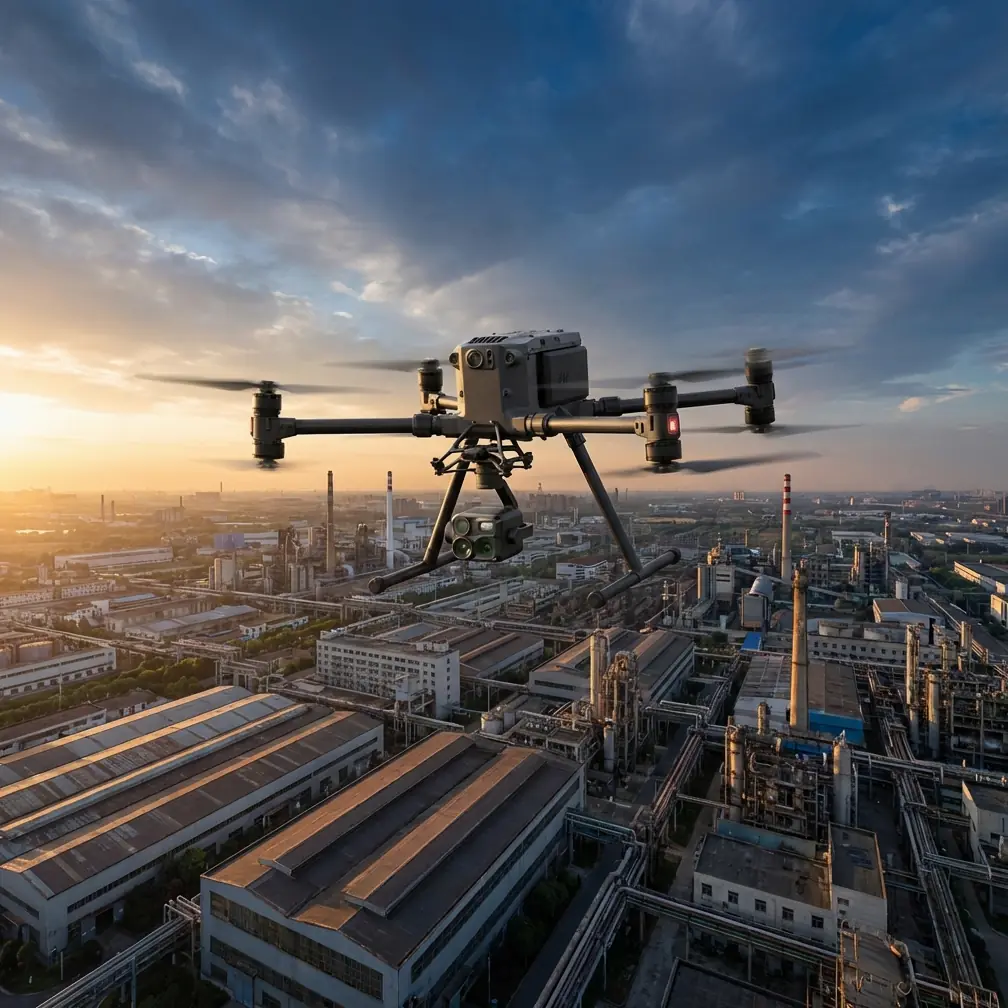
M4 Tracking Tips for Mountain Power Lines
META: Learn expert M4 tracking tips for mountain power line inspections. Master thermal signature detection, BVLOS flight paths, and weather adaptation techniques with the Matrice 4.
By James Mitchell | Drone Infrastructure Specialist | 12+ Years in Aerial Utility Inspections
TL;DR
- Configure the Matrice 4's thermal signature detection to isolate overheating conductors and failing insulators against cold mountain backdrops.
- Use GCP-anchored photogrammetry workflows to maintain survey-grade accuracy across steep, uneven terrain.
- Leverage O3 transmission and BVLOS capabilities to track power lines through valleys and around ridgelines without signal dropout.
- Trust the M4's environmental adaptability—this guide covers a real scenario where weather shifted mid-flight and the drone kept performing.
Why Mountain Power Line Inspections Demand a Different Approach
Power line inspections in mountainous terrain punish mediocre equipment. Elevation changes of 500+ meters within a single flight path, unpredictable thermals, limited GPS constellation visibility in deep valleys, and zero tolerance for missed defects—these conditions expose every weakness a drone platform has.
The Matrice 4 was engineered for exactly this kind of operational stress. This tutorial walks you through configuring and flying the M4 for mountain power line tracking, from pre-flight planning to post-processing deliverables. Every recommendation comes from field-tested methodology on high-altitude transmission corridors.
Step 1: Pre-Flight Planning for Mountain Corridors
Mapping the Inspection Route
Before the M4 leaves the ground, you need a flight plan that accounts for three-dimensional terrain complexity. Standard 2D waypoint planning fails in mountains because it ignores the dramatic altitude variations between towers.
Here's how to set up your route:
- Import LiDAR or DEM terrain data into DJI Pilot 2 to create a terrain-following flight path that maintains a consistent 15-20 meter offset from conductors.
- Mark each tower location as a POI (Point of Interest) with a 360-degree orbit maneuver programmed at reduced speed for detailed structural capture.
- Set altitude gates at ridgeline crossings where the power line transitions between valleys—the M4 needs vertical clearance buffers of at least 30 meters above the highest conductor.
- Identify emergency landing zones every 2 km along the route. Mountain inspections leave no room for improvisation if battery reserves drop faster than planned.
Configuring Ground Control Points
Photogrammetry accuracy in mountainous terrain depends on properly distributed GCPs. Place a minimum of 5 GCPs per kilometer of line, with at least 2 points at significantly different elevations to anchor the vertical accuracy of your 3D reconstruction.
Pro Tip: Paint your GCP targets with high-contrast checkerboard patterns sized at 60 cm × 60 cm minimum. At the flight altitudes required for mountain line tracking, smaller targets become unreliable for automatic detection in post-processing software.
Step 2: Thermal Signature Configuration for Conductor Analysis
Dialing In the Right Thermal Settings
The Matrice 4's thermal sensor is your primary defect-detection tool. A failing splice, a corroded connector, or an overloaded conductor all produce thermal signatures that stand out against the ambient temperature of surrounding infrastructure.
In mountain environments, the temperature differential works in your favor. Cold ambient air—often -5°C to 10°C at altitude—creates a stark contrast against components running hot. Configure your thermal palette and range accordingly:
- Set the temperature span to a narrow window (e.g., -10°C to 80°C) to maximize contrast on conductor-temperature anomalies.
- Use the "Ironbow" or "White Hot" palette for initial scanning passes. These palettes make 5-10°C differentials immediately visible to the operator.
- Enable isotherms and set the threshold to 15°C above ambient. Any component triggering this threshold gets flagged for closer inspection.
- Record radiometric thermal video rather than relying on still captures alone. Continuous recording ensures you don't miss transient thermal events between shutter actuations.
Identifying Common Thermal Defects
| Defect Type | Typical Thermal Signature | M4 Detection Method |
|---|---|---|
| Failing splice connector | 20-40°C above ambient | Isotherm alert + zoom capture |
| Cracked insulator | Uneven heat distribution across disc string | Orbit maneuver with side-angle thermal |
| Overloaded conductor | Uniform elevated temperature across span | Terrain-following pass with radiometric video |
| Vegetation encroachment risk | Thermal bloom from nearby tree canopy | Wide-angle thermal scan at 30m offset |
| Corona discharge point | Localized hot spot at hardware edges | Close-range inspection at 10m with zoom |
Step 3: Leveraging O3 Transmission for BVLOS Operations
Maintaining Link Integrity Through Terrain
Mountain topography is the natural enemy of radio signals. Ridgelines, dense tree cover, and deep ravines create signal shadows that can sever the control link on lesser platforms.
The M4's O3 transmission system maintains a reliable link at distances up to 20 km in ideal conditions. In mountains, real-world performance typically delivers 8-12 km of usable range with terrain obstructions. Here's how to maximize it:
- Position your ground station on the highest accessible point with a clear line of sight to the majority of the flight path.
- Use relay stations or visual observers at ridgeline transitions where the drone will temporarily lose direct line of sight—this is essential for BVLOS compliance in most jurisdictions.
- Monitor the signal quality indicator continuously. When it drops below 70%, the M4 automatically increases transmission power, but you should have a predetermined altitude-gain waypoint programmed as a signal-recovery maneuver.
The AES-256 encryption on the O3 link ensures that your inspection data and control signals remain secure, which matters when you're transmitting sensitive infrastructure data across open radio spectrum in remote areas.
Step 4: When the Weather Turns—A Field Narrative
This is where theory meets reality. During a transmission line inspection in the Blue Ridge corridor last October, my team was 4.2 km into a 7 km BVLOS route when conditions changed without warning.
We launched under clear skies with 8 km/h winds at the ridgeline. Forty minutes into the flight, a cold front pushed through faster than forecast. Within 12 minutes, wind speeds jumped to 38 km/h with gusts hitting 45 km/h. Visibility dropped as low cloud rolled across the upper tower positions.
The Matrice 4 responded exactly as it should. The IMU and flight controller compensated for the wind shear automatically, maintaining its terrain-following offset within ±2 meters of the programmed altitude. The thermal capture continued without interruption. I watched the power consumption increase by roughly 30% as the motors worked harder against the headwind, but the M4's battery management system recalculated the return-to-home reserve in real time.
We made the decision to abbreviate the final 1.8 km of the route and trigger RTH. The drone climbed to its safe-return altitude, corrected its heading into the wind, and landed at the recovery point with 22% battery remaining.
The hot-swap batteries proved critical here. We had a second set ready, and once the weather stabilized 45 minutes later, we relaunched to complete the remaining segment. Total downtime: under an hour. Total data loss: zero frames.
Expert Insight: Always program your RTH altitude 50 meters above the highest terrain obstacle on your route, not just above your launch point. In mountains, a flat RTH altitude can send the drone straight into a ridgeline. The M4's terrain awareness helps, but a conservative RTH ceiling is non-negotiable safety practice.
Step 5: Post-Processing and Deliverable Generation
Building the Photogrammetry Model
After landing, your M4's SD cards contain thousands of geotagged RGB and thermal images. The post-processing workflow determines whether this data becomes an actionable inspection report or an expensive photo album.
- Import all images into Agisoft Metashape or DJI Terra with GCP coordinates for georeferencing.
- Process RGB and thermal datasets separately, then overlay the thermal orthomosaic onto the RGB 3D model for defect localization.
- Generate a digital twin of the power line corridor with sub-centimeter resolution on tower structures and 5 cm resolution on conductor spans.
- Export defect locations as KML/KMZ files so field repair crews can navigate directly to flagged components using standard GPS devices.
Common Mistakes to Avoid
- Flying a single-altitude mission over variable terrain. Your offset from the conductors will vary wildly, producing inconsistent image resolution and missed thermal anomalies. Always use terrain-following mode.
- Ignoring wind forecast models at altitude. Surface-level weather stations report conditions at ground level. Wind speeds at ridgeline height can be 3-5× stronger. Use mountain weather services that provide forecasts at specific elevations.
- Setting thermal range too wide. A -40°C to 150°C span compresses the visual contrast so much that a 15°C hot spot becomes invisible on screen. Narrow your range to the expected ambient-plus-defect window.
- Skipping GCPs in "simple" terrain. Even a straight-line corridor needs ground truth. Without GCPs, your photogrammetry model can drift 2-5 meters horizontally, making defect coordinates useless for ground crews.
- Draining batteries to minimum before swapping. In cold mountain air, battery voltage drops non-linearly below 30% charge. Land and hot-swap at 25-30% to avoid unexpected voltage sag and forced landings.
Frequently Asked Questions
How does the Matrice 4 handle GPS signal loss in deep mountain valleys?
The M4 combines multi-constellation GNSS (GPS, GLONASS, Galileo, BeiDou) with its visual positioning system and IMU. In valleys where satellite geometry degrades, the visual positioning system uses downward-facing cameras and terrain recognition to maintain positional accuracy within ±1.5 meters horizontally. For survey-grade work, RTK correction via the D-RTK 2 base station is recommended when satellite count drops below 12.
What is the maximum wind resistance for reliable thermal data capture?
The Matrice 4 is rated for operations in winds up to 12 m/s (43 km/h). For thermal imaging specifically, you want stable hover and slow-speed flight, which means practical thermal capture quality remains high up to about 10 m/s (36 km/h). Beyond that, platform vibration from wind compensation can introduce micro-blur in thermal frames, reducing your ability to detect subtle 3-5°C temperature differentials.
Can I legally fly BVLOS for power line inspections with the M4?
BVLOS authorization varies by jurisdiction. In the United States, you need an FAA Part 107 waiver or operate under an approved BVLOS framework such as FRIA or the new rule provisions. The M4's O3 transmission range, AES-256 encrypted link, and detect-and-avoid sensor suite support BVLOS waiver applications with strong technical documentation. Work with your regulatory authority and have visual observers positioned along the route as a standard risk mitigation measure until full autonomous BVLOS approvals become routine.
Ready for your own Matrice 4? Contact our team for expert consultation.