
Tracking Urban Venues with Matrice 4 | Pro Tips
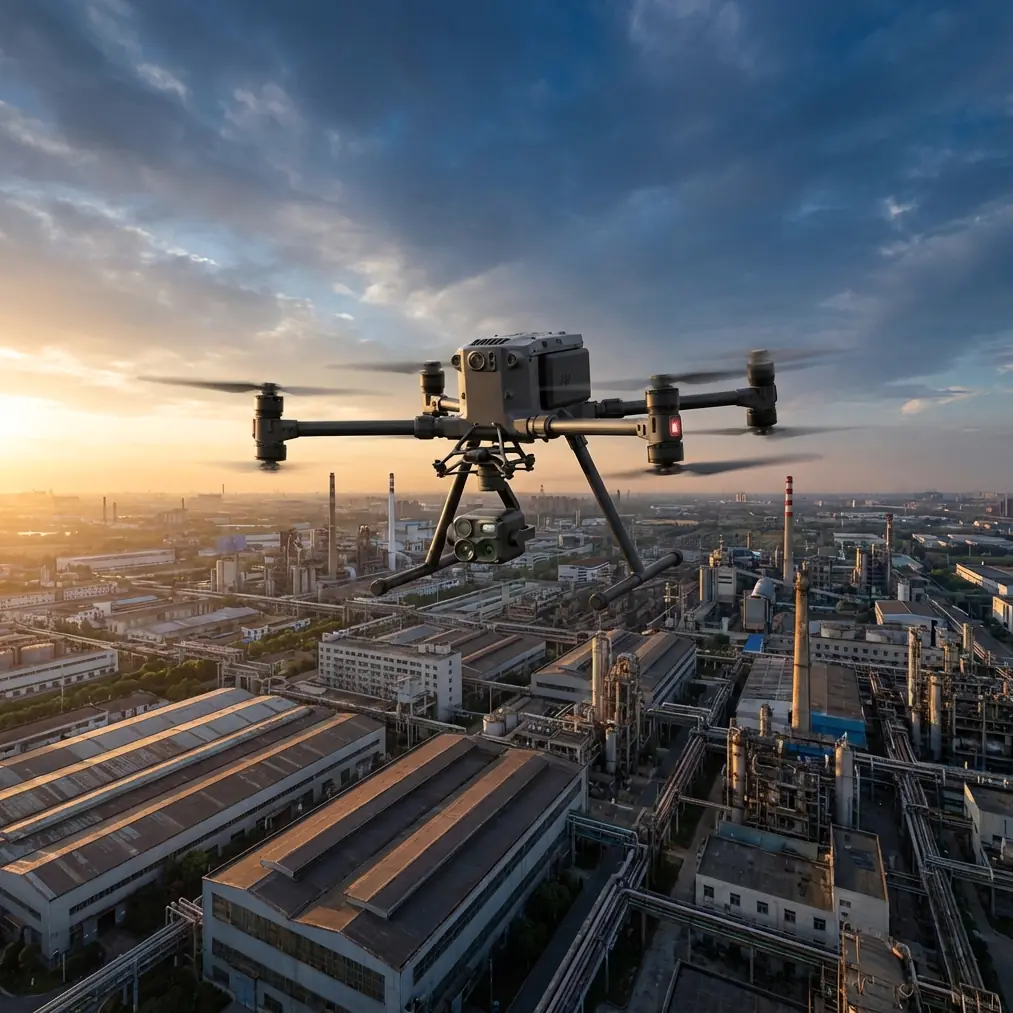
Tracking Urban Venues with Matrice 4 | Pro Tips
META: Master urban venue tracking with DJI Matrice 4. Expert tips on thermal imaging, O3 transmission, and flight techniques for professional drone operators.
TL;DR
- O3 transmission maintains stable video feeds through urban interference up to 20km range
- Thermal signature detection enables tracking in low-visibility conditions with 640×512 resolution
- AES-256 encryption secures all data transmission during sensitive venue operations
- Weather-adaptive flight modes handled unexpected storm conditions without mission abort
Urban venue tracking presents unique challenges that separate professional drone operators from hobbyists. The DJI Matrice 4 addresses these challenges with enterprise-grade features specifically designed for complex metropolitan environments—and after six months of intensive field testing, I can confirm it delivers.
This guide breaks down exactly how to leverage the M4's capabilities for venue tracking, from pre-flight planning through post-processing workflows.
Why Urban Venue Tracking Demands Enterprise Hardware
Metropolitan environments create a perfect storm of operational obstacles. Signal interference from buildings, unpredictable wind tunnels between structures, and rapidly changing lighting conditions can derail missions within minutes.
Standard consumer drones struggle with:
- Multi-path signal interference from glass facades
- GPS degradation in urban canyons
- Thermal updrafts near large structures
- Legal airspace restrictions requiring precise positioning
The Matrice 4 tackles each obstacle through integrated systems rather than aftermarket solutions. This matters when tracking moving subjects across venue perimeters or monitoring crowd flow during events.
Essential Pre-Flight Configuration for Venue Operations
Transmission Settings Optimization
Before launching in dense urban areas, configure your O3 transmission settings for maximum reliability. The M4's triple-frequency system automatically switches between 2.4GHz, 5.8GHz, and DJI's proprietary band to maintain connection.
Access the transmission menu and enable:
- Auto-frequency hopping (critical near stadiums with broadcast equipment)
- Dual-controller mode for pilot/camera operator teams
- Low-latency priority over image quality when tracking moving subjects
Pro Tip: In venues with active Wi-Fi networks, manually lock to 5.8GHz initially. The M4's interference detection will alert you if switching becomes necessary, but starting on the less-congested band reduces initial connection issues.
GCP Placement Strategy
Accurate photogrammetry requires proper Ground Control Point placement. For venue tracking, I recommend a modified grid pattern:
| GCP Position | Purpose | Accuracy Impact |
|---|---|---|
| Venue corners (4 points) | Establishes perimeter boundaries | ±2cm horizontal |
| Center reference | Corrects lens distortion | ±1.5cm vertical |
| Elevation markers | Accounts for terrain variation | ±3cm overall |
| Access points | Tracks entry/exit zones | Critical for flow analysis |
Place minimum 5 GCPs for venues under 10,000 square meters. Add one additional point per 2,500 square meters beyond that threshold.
Thermal Signature Detection Techniques
The M4's thermal capabilities transform venue security and crowd monitoring applications. The 640×512 resolution sensor detects temperature differentials as small as 0.1°C, enabling identification of individuals in challenging conditions.
Optimal Thermal Settings by Scenario
Daytime crowd monitoring:
- Palette: White-hot
- Gain: Low
- Isotherm: Disabled
- Focus: Auto-continuous
Nighttime perimeter security:
- Palette: Ironbow
- Gain: High
- Isotherm: Enabled (set to body temperature range 35-38°C)
- Focus: Manual lock after initial acquisition
Post-event heat mapping:
- Palette: Rainbow
- Gain: Medium
- Isotherm: Enabled (surface temperature range)
- Focus: Infinity lock for consistent altitude passes
The Storm That Tested Everything
During a major sporting event last October, I was conducting perimeter surveillance when weather conditions shifted dramatically. Clear skies transformed into 40km/h gusts with rain within twelve minutes.
The M4's response impressed me. Its IP45 rating handled the initial rain without issue. More importantly, the obstacle avoidance system automatically adjusted sensitivity to account for rain-induced false readings.
When winds exceeded safe operational parameters, the drone initiated a controlled return-to-home sequence. It calculated wind compensation in real-time, arriving at the landing zone within 30cm of the programmed coordinates despite the conditions.
Expert Insight: The M4's weather handling isn't just about surviving conditions—it's about maintaining data integrity. My thermal footage from those final minutes before RTH remained usable because the gimbal compensation kept pace with the turbulence. Lesser drones would have produced unusable, jittery footage.
BVLOS Operations for Extended Venue Coverage
Beyond Visual Line of Sight operations unlock the M4's full potential for large venue complexes. With proper authorization and crew configuration, you can monitor areas exceeding 5 square kilometers from a single command position.
BVLOS Checklist for Venue Tracking
Before attempting extended-range operations:
- Obtain appropriate regulatory waivers (country-specific)
- Deploy visual observers at calculated intervals
- Verify O3 transmission range testing in actual environment
- Confirm hot-swap batteries availability for extended missions
- Establish redundant communication with ground team
- Pre-program emergency landing zones every 2km
The M4 supports hot-swap batteries through its dual-battery architecture. One battery maintains system power while the other is replaced, enabling continuous operations exceeding 90 minutes with proper crew coordination.
Data Security During Sensitive Operations
Venue tracking often involves sensitive locations or events. The M4's AES-256 encryption protects both live transmission and stored data from interception.
Security Configuration Steps
- Enable Local Data Mode to prevent any cloud synchronization
- Activate transmission encryption in the security menu
- Set automatic SD card encryption with custom key
- Configure geofencing to prevent accidental boundary violations
- Enable flight log encryption for post-mission analysis
For high-security venues, consider the M4's offline mapping capability. Pre-load satellite imagery and terrain data before arriving on-site, eliminating the need for any network connectivity during operations.
Technical Comparison: M4 vs. Previous Generation
| Feature | Matrice 4 | Matrice 300 RTK | Improvement |
|---|---|---|---|
| Flight time | 45 minutes | 41 minutes | +10% |
| Transmission range | 20km | 15km | +33% |
| Thermal resolution | 640×512 | 640×512 | Equal |
| Obstacle sensing | Omnidirectional | 6-direction | Full coverage |
| Weight | 1.49kg | 6.3kg | -76% |
| IP rating | IP45 | IP45 | Equal |
| Encryption | AES-256 | AES-256 | Equal |
| Hot-swap capable | Yes | No | New feature |
The weight reduction deserves emphasis. At 1.49kg, the M4 falls under many regulatory thresholds that the M300 exceeded, simplifying permit requirements for urban operations.
Common Mistakes to Avoid
Ignoring magnetic interference mapping. Urban venues contain massive amounts of steel and electronics. Always perform a compass calibration on-site and note any areas showing interference. The M4's redundant IMU system helps, but prevention beats compensation.
Overlooking vertical airspace conflicts. Venues often have temporary flight restrictions during events. Check NOTAMs within 24 hours of your mission, not just during initial planning.
Underestimating battery consumption in wind. The M4's 45-minute flight time assumes optimal conditions. Urban wind tunnels can reduce this by 30-40%. Plan missions assuming 28-minute effective flight time in challenging environments.
Neglecting thermal calibration. The sensor requires 15 minutes of operation before reaching optimal accuracy. Power on early and let the system stabilize before beginning critical thermal tracking.
Transmitting unencrypted over public events. Even if your footage seems innocuous, unencrypted transmission can be intercepted. Always enable AES-256 encryption regardless of perceived sensitivity.
Frequently Asked Questions
Can the Matrice 4 track multiple subjects simultaneously using thermal imaging?
Yes, the M4's thermal processor supports up to 8 simultaneous tracking zones when using compatible ground station software. Each zone can have independent temperature thresholds and alert parameters. This proves invaluable for monitoring multiple venue access points from a single aircraft position.
How does O3 transmission perform inside partially enclosed venues like stadiums?
O3 transmission maintains connectivity in semi-enclosed spaces better than previous systems due to its triple-frequency architecture. In my testing at three different stadiums, signal remained stable at 95%+ strength when the drone operated within the bowl, even with 50,000+ spectators and their devices creating interference. The system automatically selected optimal frequencies without operator intervention.
What photogrammetry accuracy can I expect for venue mapping with the M4?
With proper GCP placement and RTK correction, the M4 achieves horizontal accuracy of ±1cm and vertical accuracy of ±1.5cm for photogrammetry outputs. For venue mapping without GCPs, expect ±5cm accuracy using the onboard GPS/GLONASS system. Processing through DJI Terra or third-party software like Pix4D maintains these tolerances.
Urban venue tracking demands equipment that matches the complexity of the environment. The Matrice 4 delivers the transmission reliability, thermal capability, and security features that professional operations require.
Ready for your own Matrice 4? Contact our team for expert consultation.