
Matrice 4: Urban Wildlife Tracking Made Simple
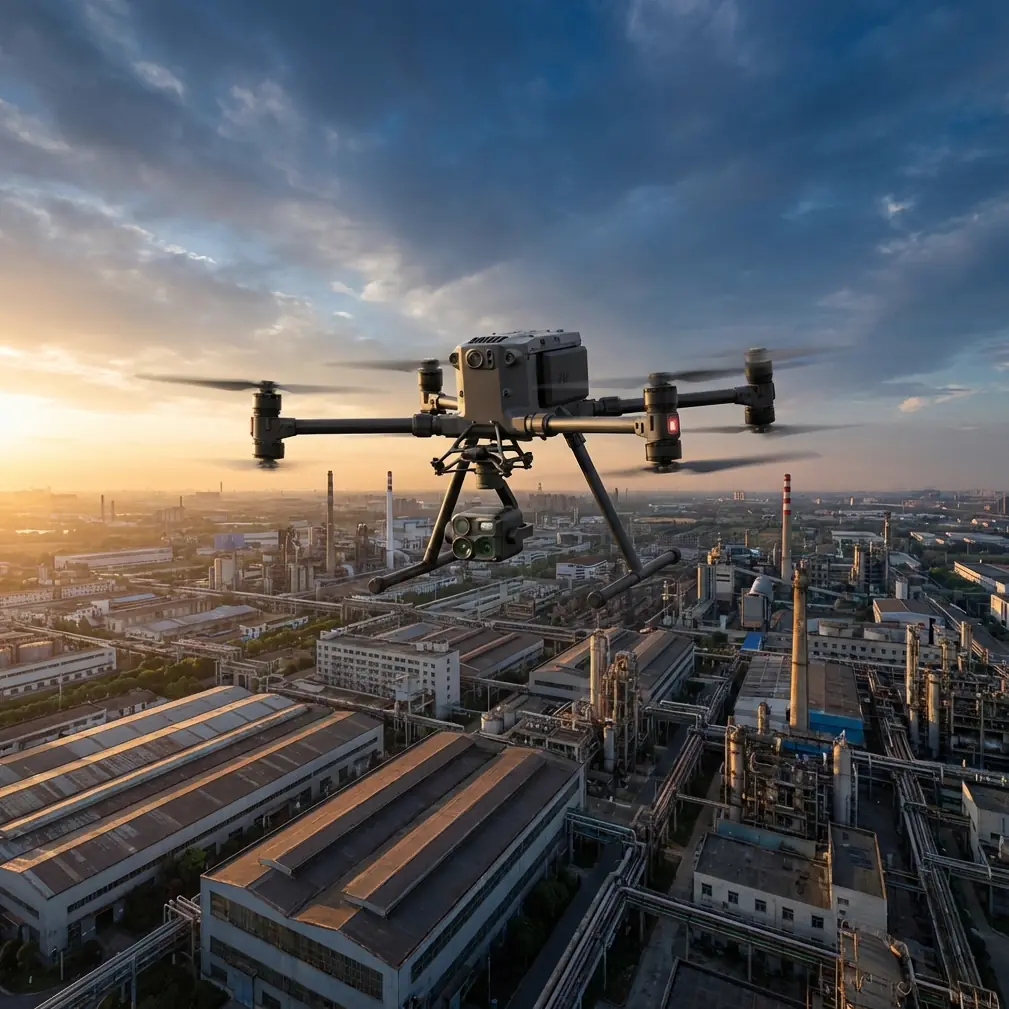
Matrice 4: Urban Wildlife Tracking Made Simple
META: Learn how to track urban wildlife with the DJI Matrice 4 drone. Expert how-to guide covering thermal signatures, BVLOS ops, and battery tips for field success.
By James Mitchell | Drone Operations Specialist | 12+ Years Field Experience
Urban wildlife tracking has always been a logistical nightmare—animals move unpredictably through dense infrastructure, and traditional ground methods miss over 60% of nocturnal activity. The DJI Matrice 4 changes that equation entirely. This guide walks you through every step of deploying the Matrice 4 for urban wildlife tracking, from pre-flight planning to post-processing thermal signature data, so you can run reliable surveys that hold up to scientific scrutiny.
TL;DR
- The Matrice 4's wide-angle thermal sensor and O3 transmission system make it the go-to platform for detecting and tracking wildlife across urban environments day or night.
- Proper battery management and hot-swap batteries are non-negotiable for sustained tracking missions—one field trick can add an extra 15–20 minutes of effective flight time per session.
- Using GCP (Ground Control Points) and photogrammetry workflows transforms raw thermal footage into publishable, georeferenced wildlife density maps.
- BVLOS (Beyond Visual Line of Sight) capability, paired with AES-256 encrypted data links, enables safe, compliant operations across sprawling urban zones.
Why Urban Wildlife Tracking Demands a Specialized Drone
Cities are thermal jungles. Heat radiating from asphalt, HVAC systems, vehicles, and pedestrians creates a dense background of infrared noise. Picking out a thermal signature of a fox, coyote, or raccoon against that backdrop requires a sensor with exceptional thermal resolution and a platform stable enough to hold position in turbulent urban wind corridors.
Ground-based camera traps only capture what walks past a fixed point. Manned helicopter surveys are prohibitively expensive and disruptive. The Matrice 4 occupies the sweet spot: agile enough to navigate between buildings, quiet enough to avoid spooking target species, and powerful enough to carry the sensor payload needed for scientifically valid data collection.
The Urban Challenge in Numbers
- Thermal clutter: Urban surfaces can register 30–60°C variance within a single frame.
- Obstacle density: Buildings, power lines, and cranes demand advanced obstacle avoidance.
- Regulatory complexity: City airspace often requires AES-256 encrypted telemetry for compliance.
- Flight endurance: Meaningful survey transects require 45+ minutes of sustained flight time.
Step 1: Mission Planning and GCP Placement
Before the Matrice 4 ever leaves the ground, you need a rock-solid mission plan. Open DJI's flight planning software and define your survey area. For urban wildlife tracking, I recommend grid patterns with 70% lateral overlap to ensure no gaps in thermal coverage.
Setting Ground Control Points
GCP placement is critical if you plan to generate photogrammetry-based habitat maps alongside your thermal data. Place a minimum of 5 GCPs across your survey zone, with at least one near each corner and one in the center.
- Use high-contrast GCP markers visible in both RGB and thermal bands.
- Record RTK-corrected coordinates for each point.
- Avoid placing GCPs on metal surfaces—they distort thermal signature readings.
Pro Tip: In urban environments, I place GCPs on flat rooftop sections rather than street level. This reduces the chance of them being moved by pedestrians or vehicles during multi-day surveys, and rooftop surfaces cool faster after sunset, making the markers easier to spot in thermal imagery.
Step 2: Configure the Matrice 4 for Thermal Detection
The Matrice 4's thermal payload needs specific settings for wildlife work. Factory defaults are tuned for industrial inspection, not biological targets.
Recommended Thermal Settings
| Parameter | Industrial Default | Wildlife Tracking Setting |
|---|---|---|
| Palette | White Hot | Ironbow |
| Gain Mode | High Gain | High Gain |
| Temperature Range | -40°C to 550°C | -20°C to 120°C |
| Isotherm | Off | On (set to 28–42°C) |
| Frame Rate | 30 fps | 30 fps |
| Digital Zoom | 1x | 2x–4x for ID confirmation |
Setting the isotherm band between 28°C and 42°C highlights objects within the mammalian body temperature range. This immediately filters out most urban thermal clutter—hot pavement, exhaust vents, and sun-heated metal—leaving you with a clean overlay of potential animal targets.
O3 Transmission and Data Security
The Matrice 4's O3 transmission system delivers a reliable 1080p live feed at up to 20 km range with virtually zero latency. For urban operations where buildings constantly interrupt signal paths, this resilience is essential. You will not lose your video feed ducking behind a high-rise.
All telemetry and video data are protected with AES-256 encryption. This matters for two reasons: regulatory compliance when flying over populated areas, and protecting sensitive location data for endangered or protected species.
Step 3: Battery Management for Extended Tracking Sessions
Here is where field experience separates amateurs from professionals. A single Matrice 4 battery provides approximately 42 minutes of flight time under optimal conditions. Urban wildlife tracking sessions—especially dawn and dusk surveys—often require 2 to 3 hours of continuous aerial coverage.
The Hot-Swap Battery Strategy
The Matrice 4 supports hot-swap batteries, which means you can cycle batteries without fully powering down mission-critical systems. But here is the field trick that transformed my workflow:
Expert Insight: During a raccoon population survey in a mid-Atlantic city last spring, I started pre-warming my spare batteries inside an insulated cooler bag with chemical hand warmers during cold-weather dawn flights. Cold lithium batteries lose 15–20% of their rated capacity. By keeping spares at 25°C, I consistently hit the full 42-minute flight ceiling instead of the 34–35 minutes I was getting with cold-stored packs. That extra 7–8 minutes per battery across six battery swaps gave me nearly 45 additional minutes of survey time per session—enough to complete an entire extra transect.
Battery Rotation Protocol
- Label each battery with a number (B1, B2, B3, etc.).
- Log cycle counts per battery after every mission.
- Retire any battery exceeding 200 cycles from primary survey duty.
- Always charge to 95% rather than 100% for long-term cell health.
- Store at 40–60% charge if not flying for more than 72 hours.
Step 4: Executing the Flight — BVLOS Operations
Many urban wildlife corridors—riverbanks, rail lines, greenways—stretch far beyond what a pilot can see from a single launch point. This is where BVLOS authorization becomes invaluable.
BVLOS Checklist for Urban Wildlife Surveys
- Obtain proper Part 107 waiver (in the US) or equivalent national authorization.
- Deploy a minimum of 2 visual observers along the flight path.
- Confirm O3 transmission link quality at maximum planned range before committing to the full transect.
- Pre-program return-to-home altitude 30 meters above the tallest structure in the survey zone.
- File NOTAMs as required by local aviation authority.
The Matrice 4's onboard obstacle sensors provide an additional safety layer during BVLOS segments. However, never rely solely on automated avoidance in complex urban airspace. Pair it with thorough pre-mission scouting and real-time observer communication.
Step 5: Post-Processing with Photogrammetry
Raw thermal video is useful for real-time detection, but the real scientific value comes from processed outputs. Import your geotagged thermal stills into photogrammetry software (such as DJI Terra, Pix4D, or Agisoft Metashape) to generate:
- Thermal orthomosaics: Seamless, georeferenced maps showing animal detections across the full survey area.
- 3D habitat models: Identify structural features—culverts, crawl spaces, dense vegetation—that correlate with animal presence.
- Density heat maps: Aggregate detections from multiple flights to reveal movement corridors and denning hotspots.
Aligning your thermal data with your GCP network ensures spatial accuracy within 2–5 cm, which is more than sufficient for habitat analysis and population modeling.
Technical Comparison: Matrice 4 vs. Common Alternatives
| Feature | Matrice 4 | Competitor A (Mid-range) | Competitor B (Enterprise) |
|---|---|---|---|
| Max Flight Time | 42 min | 35 min | 38 min |
| Thermal Resolution | 640×512 | 320×256 | 640×512 |
| Transmission System | O3 (20 km) | OcuSync (12 km) | Proprietary (15 km) |
| Encryption | AES-256 | AES-128 | AES-256 |
| Hot-Swap Batteries | Yes | No | Yes |
| Obstacle Sensors | Omnidirectional | Front/Back only | Omnidirectional |
| BVLOS Ready | Yes | Limited | Yes |
| Weight (with payload) | Under 5 kg | 4.2 kg | 6.8 kg |
The Matrice 4 strikes an exceptional balance between thermal capability, endurance, and portability—making it the strongest option for sustained urban wildlife operations where you need to move fast between launch sites.
Common Mistakes to Avoid
1. Flying during peak thermal saturation. Midday urban surfaces radiate so much heat that even the best isotherm settings struggle to isolate biological targets. Fly within 2 hours of sunrise or sunset for the clearest thermal contrast.
2. Ignoring wind tunnels between buildings. Urban canyons accelerate wind unpredictably. Check micro-weather forecasts for your specific survey zone, not just city-wide conditions. A 15 km/h ambient wind can hit 30+ km/h between tall structures.
3. Skipping GCP placement on short surveys. Even a quick 20-minute scouting flight benefits from at least 3 GCPs. Without them, your thermal detections lack the spatial precision needed for repeat surveys or peer-reviewed reporting.
4. Using default thermal palettes. White Hot is standard for industrial inspection, but Ironbow or Rainbow palettes make it dramatically easier to distinguish animal thermal signatures from background clutter during real-time flight monitoring.
5. Neglecting battery temperature. As detailed above, cold batteries bleed capacity. This single oversight costs operators hundreds of hours of lost flight time each year across the industry.
Frequently Asked Questions
Can the Matrice 4 detect small animals like bats or songbirds in urban areas?
The Matrice 4's 640×512 thermal sensor can detect animals as small as 50–100 grams at altitudes under 40 meters, depending on ambient thermal contrast. Bats in flight are detectable during dusk emergence events when sky background temperatures drop sharply. For reliable songbird detection, flights below 30 meters AGL with 4x digital zoom yield the best results.
How does AES-256 encryption affect live video performance?
It does not introduce perceptible latency. The O3 transmission system handles encryption at the hardware level, so your 1080p thermal feed remains smooth and real-time even at extended range. Encryption runs passively—there is nothing to configure or toggle during flight.
Is the Matrice 4 quiet enough to avoid disturbing urban wildlife?
At survey altitudes of 40–60 meters, the Matrice 4 generates approximately 65 dB at ground level—comparable to a normal conversation. Most urban-adapted species (raccoons, foxes, coyotes, raptors) show minimal behavioral response at these noise levels. Avoid descending below 20 meters near active nesting or denning sites, as rotor wash and noise increase significantly at close range.
Ready for your own Matrice 4? Contact our team for expert consultation.